Does A Clean Mouse Pad Always Track Smoothly? 10 Surface-Wear Myths Explained
A freshly cleaned mouse pad can still feel slow, patchy or inconsistent. From worn fibres to damaged coatings, these 10 myths explain why cleaning alone won’t always restore smooth mouse tracking.
What affects smooth tracking on mouse pads
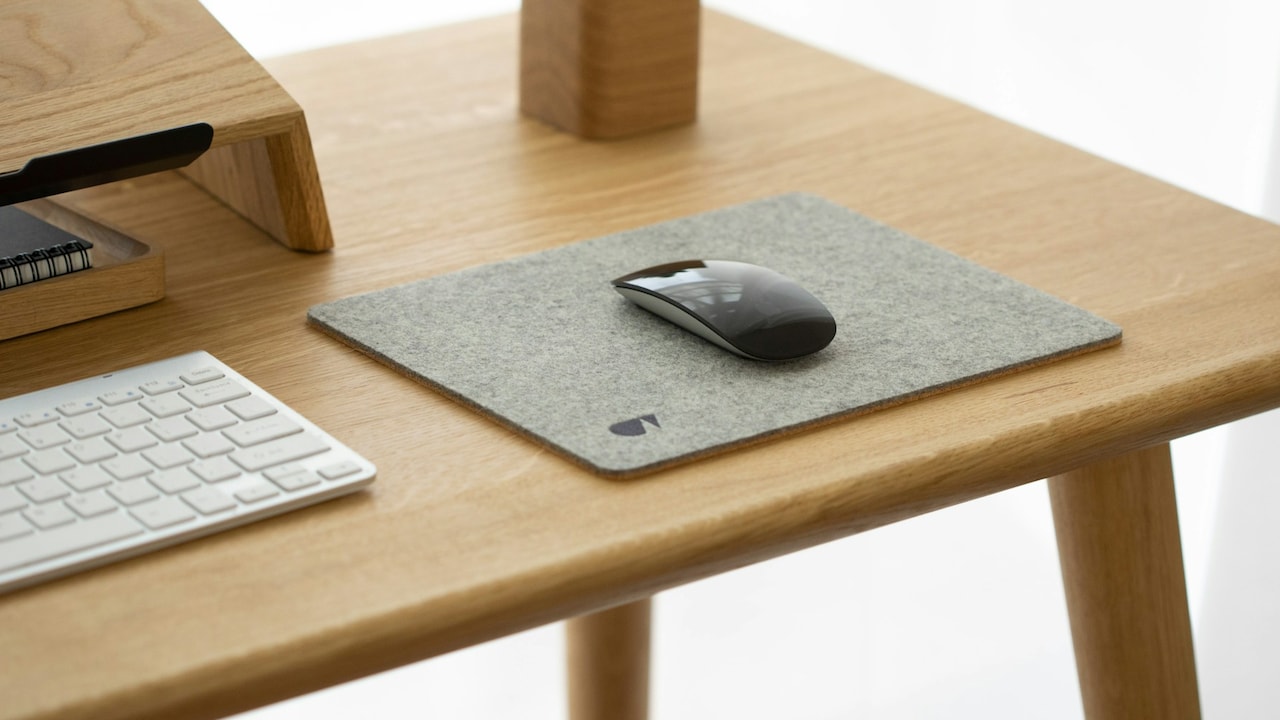
A mouse pad usually attracts attention only when something feels wrong. One corner suddenly seems slower than the centre. The pointer hesitates during a quick movement. A gaming mouse glides beautifully across one section but feels strangely heavy on another. The obvious response? Clean the pad. Sometimes that works. Sometimes the mouse pad comes out looking almost new and performs exactly as badly as before. That's because dirt represents only one part of the problem. Mouse pads gradually change through friction, pressure, moisture, cleaning and repeated contact with the same areas. Fabric fibres flatten. Surface coatings wear down. Rubber bases lose their shape. Even the way a wrist rests against the pad can create different levels of wear across its surface.
Common myths to know about mouse pad surface wear
Photo Credit: Pexels
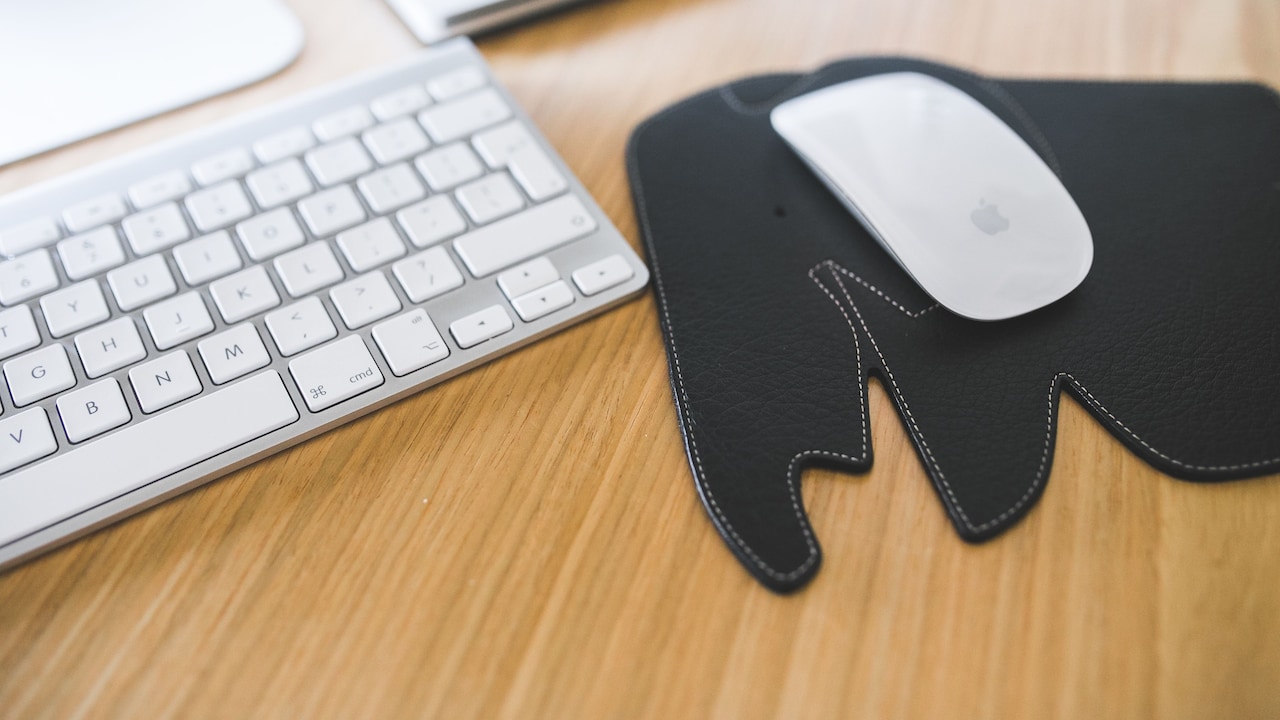
Before replacing a perfectly usable pad or scrubbing it for the fifth time, it helps to separate cleaning problems from actual surface wear. Here are 10 common mouse-pad myths that can make troubleshooting far more confusing than it needs to be.
Also Read: Top 5 Reasons Why You Need A Mousepad
What Really Causes Uneven Mouse Pad Tracking?
1. Myth: A Clean Mouse Pad Should Always Track Like New
Cleaning removes sweat, skin oils, dust and other residue, but it can't reverse physical wear. That distinction explains why an older mouse pad may look spotless yet still feel noticeably different beneath the mouse.
Soft fabric pads take thousands of repeated passes across the same areas. Over time, those movements compress and polish the fibres. The section used most frequently may gradually develop a smoother or flatter texture than the untouched corners.
Cleaning can lift grime from those fibres, but it won't necessarily make flattened material stand exactly as it did when new.
This becomes particularly obvious with larger desk mats. The keyboard area may remain almost pristine while the mouse zone develops a distinctive worn patch, even when there's no visible stain.
Tracking can still remain perfectly usable, but glide consistency may change.
So, judge the pad by feel rather than appearance alone. Move the mouse slowly across several areas. If one section consistently feels slower after proper cleaning and drying, wear rather than dirt could be responsible. A clean mouse pad and a new mouse pad simply aren't the same thing.
2. Myth: Visible Dirt Causes Most Slow Spots
A dark stain makes an easy suspect. The real trouble, however, may sit in an area that looks completely normal.
Repeated friction can create slow spots without leaving an obvious visual mark. Mouse feet constantly move over the same central section, gradually altering the texture. Add hand pressure, humidity and natural skin oils, and that particular area experiences far more stress than the edges.
Fabric pads can develop microscopic differences in fibre direction and height. Hard pads can develop polished areas where repeated movements gradually alter the surface finish.
These changes may be difficult to see under normal room lighting.
There's a simple comparison worth trying. Move the mouse over the most frequently used section, then try a corner that rarely sees any action. Use the same pressure and movement speed.
If the corner feels noticeably faster or smoother, the problem probably extends beyond dirt.
This also explains why repeatedly washing a pad may produce diminishing returns. The first clean removes contamination. Additional cleaning can't scrub away ordinary material fatigue and may eventually accelerate it instead.
Appearance offers clues, but texture usually tells the fuller story.
3. Myth: Scrubbing Harder Will Restore The Original Texture
When gentle washing doesn't fix a slow area, aggressive scrubbing can feel like the logical next move. Unfortunately, the enthusiasm of a weekend bathroom-cleaning session doesn't translate particularly well to mouse pads.
Strong brushes and vigorous scrubbing can disturb woven fibres. Instead of restoring an even texture, they may roughen some sections while flattening others.
The result can feel worse once the pad dries.
Printed or coated mouse pads need even more caution. Excessive friction may gradually weaken decorative layers or specialised finishes designed to create a particular glide.
Cleaning should remove contamination, not mechanically renovate the fabric.
For most washable cloth pads, gentle agitation usually makes more sense. Work mild cleaner through the surface without attacking one stubborn area for several minutes. Then rinse thoroughly so detergent doesn't remain trapped between the fibres.
A clean surface can feel surprisingly strange when soap residue dries inside it. That sometimes encourages another round of harder scrubbing, creating a cycle that solves very little.
If gentle cleaning no longer improves an established slow spot, the material itself may have changed. More force won't necessarily provide more restoration.
Sometimes the toothbrush needs to retire undefeated.
4. Myth: All Mouse Pads Wear Evenly Across The Surface
Mouse pads rarely enjoy such democratic treatment.
Most users operate within a relatively small movement zone. That section sees constant mouse movement, wrist contact and pressure while the outer edges spend most of their lives doing almost nothing.
Low mouse sensitivity can expand the working area because the mouse travels farther across the pad. Higher sensitivity may concentrate thousands of smaller movements in an even tighter zone.
Either pattern creates uneven wear.
Desk position matters too. Someone who anchors their wrist may repeatedly compress one particular area. Another person who moves mainly from the forearm can spread wear across a much larger section.
That's why one part of a mouse pad can retain its original glide while another gradually feels slower.
Rotating a plain square or rectangular pad occasionally may help distribute wear, provided its construction and desk setup allow it. Even changing its position slightly can prevent every movement from landing on exactly the same strip of fabric year after year.
Uneven wear doesn't automatically mean poor manufacturing. Often, it simply reflects where the mouse has travelled most.
The busiest part of the pad naturally ages first.
5. Myth: More Frequent Washing Always Makes Tracking Better
Mouse pads certainly need cleaning, especially when daily use leaves them feeling greasy or sticky. But washing them excessively can introduce another type of wear.
Each wash exposes the surface to water, detergent, rubbing and drying. Occasional careful cleaning usually causes little trouble. Repeated aggressive cleaning can gradually affect fibres, coatings, edge stitching and the adhesive layers holding different materials together.
The biggest mistake tends to be cleaning based on a rigid schedule rather than actual condition.
A mouse pad used for several hours every day in a humid room may need attention sooner than one sitting in a cooler workspace with lighter use. There's no universal rule requiring a full wash every few days.
Smaller interventions can help between deeper cleans. Keeping hands clean, removing crumbs promptly and gently wiping suitable surfaces can stop grime from accumulating so quickly.
And after washing, rinsing matters just as much as cleaning. Detergent left behind may make a fabric pad feel sticky, unusually slow or inconsistent.
Think of washing as maintenance rather than a reset button. Cleaning when necessary helps preserve performance. Cleaning constantly in pursuit of a permanently factory-fresh feel can achieve the opposite.

Washing the mouse pad frequently can also cause tracking problems
Photo Credit: Pexels
6. Myth: If Tracking Feels Rough, The Mouse Pad Must Be The Problem
Before declaring the pad guilty, turn the mouse over.
Mouse feet, also called skates, make direct contact with the surface. Dust can gather around their edges, while worn or scratched skates can change how smoothly the mouse travels. A tiny piece of trapped debris may create a surprisingly noticeable dragging sensation.
The sensor also deserves attention. Dust or hair near the sensor opening can sometimes contribute to erratic cursor behaviour that feels like a tracking problem.
Testing the mouse on another suitable surface can help separate the suspects.
If the same rough glide follows the mouse elsewhere, inspecting its feet makes more sense than washing the pad yet again. If the problem disappears completely, attention can return to the pad.
This distinction matters because “tracking” often becomes a catch-all description for several different issues. Physical glide, cursor response and sensor consistency aren't quite the same thing.
A mouse can glide badly while tracking accurately. It can also glide smoothly while the cursor behaves unpredictably.
Troubleshooting becomes much easier once those symptoms get separated instead of blaming the large rectangle underneath everything.
7. Myth: A Smooth-Looking Surface Must Have An Even Texture
Human eyes are considerably less sensitive to mouse-pad wear than a pair of low-friction mouse feet.
A fabric surface may look uniform from above while containing tiny variations in fibre height, direction and compression. Shine from repeated rubbing can sometimes reveal worn regions, but plenty of texture changes remain almost invisible.
Try running clean fingertips very lightly across different sections. A frequently used region may feel flatter, slicker or occasionally rougher than an untouched edge.
Directional movement can reveal even more.
Some woven surfaces naturally feel slightly different depending on whether the mouse travels horizontally or vertically. Wear can amplify that difference as fibres gradually settle into particular patterns.
This doesn't mean every small change creates a serious tracking issue. Modern optical sensors handle a wide range of surfaces remarkably well. But noticeable glide variation can still affect comfort and consistency, particularly during precise movements.
The lesson is simple: visual cleanliness shouldn't become the only test.
A pad doesn't need dramatic bald patches before surface wear begins influencing how it feels. Sometimes the evidence appears only when the mouse crosses the same invisible boundary again and again.
8. Myth: Heat Helps A Mouse Pad Dry Faster Without Consequences
After washing a mouse pad, waiting for it to dry can test anyone's patience. A hair dryer, direct afternoon sun or hot surface may seem like an efficient shortcut.
Heat, however, can affect more than moisture.
Many soft mouse pads combine a fabric top with a rubber or foam-like base. Excessive heat may encourage warping, curling or changes in adhesive layers. The pad can dry quickly yet refuse to lie completely flat afterwards.
That creates a new performance problem unrelated to surface cleanliness.
Even subtle deformation matters. A small raised section can change mouse contact or create an annoying bump during wide movements.
Gentler drying generally protects the structure better. Remove excess water without twisting the pad, keep it flat and allow airflow to do most of the work. Drying naturally takes longer, but the mouse pad has already survived several years of spreadsheets and gaming sessions. It can survive a few more hours.
Most importantly, don't start using a fabric pad while it still feels damp. Residual moisture can temporarily alter friction and make the surface feel slower than expected.
Judge cleaning results only after the pad has dried completely.
9. Myth: Expensive Mouse Pads Don't Develop Slow Spots
Premium materials can improve consistency, stitching, base grip and durability, but no mouse pad receives diplomatic immunity from friction.
Every surface used regularly experiences some degree of change.
The rate varies considerably. A well-made pad may hold its original texture longer than a cheaply constructed alternative. Certain materials also resist humidity and contamination better than others. That still doesn't make them permanent.
Usage habits matter enormously.
Someone who works or games for ten hours a day can put far more wear on a premium pad in one year than a casual user puts on a budget pad in three.
Cleaning habits, wrist pressure, mouse-skate condition and even environmental dust can influence lifespan.
Price therefore shouldn't become the only explanation when performance changes. An expensive pad developing a worn section doesn't necessarily mean it was defective. Likewise, a lower-cost pad that remains consistent for years isn't breaking the laws of material science.
Judge durability against actual usage.
The most useful mouse pad isn't automatically the one with the most impressive price tag. It's the one that maintains predictable friction and remains comfortable for the way the mouse gets used.
10. Myth: Any Change In Glide Means The Mouse Pad Needs Replacing
A mouse pad doesn't need a farewell ceremony the moment one area feels slightly different.
First, rule out contamination. Clean the surface appropriately, let it dry fully and check the mouse feet. Test several areas of the pad and compare them with another suitable surface.
Minor texture changes may have little effect on everyday work.
Replacement becomes more sensible when wear consistently interferes with movement, the base develops permanent warping, edges separate, the surface starts peeling or different zones feel distracting enough to affect control.
Personal sensitivity matters here.
Someone using a mouse mainly for browsing, documents and streaming may barely notice a modest change in friction. A gamer making quick, precise movements may find the same variation frustrating.
There's no universal mileage figure for mouse pads.
Instead, think in terms of consistency. Does the pad still let the mouse move predictably across the area you actually use? If yes, it probably has life left.
If cleaning no longer restores comfortable movement and worn sections constantly announce themselves during every swipe, replacement starts making more practical sense than another heroic wash.
Products Related To This Article
1. Scarters Desk Mat & Extended Mouse Pad
2. V-CUBE DESIGNS Premium Vegan Leather Desk Mat
3. Seagull flight of fashion Large Extended Mouse Pad
4. DailyObjects Turf Desk Mat Trio Bundle
5. Ant Esports Lapi MousePad
6. Tukzer Gel Mouse Pad Wrist Rest Memory-Foam Ergonomic Mousepad
7. DailyObjects Felt Desk Trio Bundle with Desk Mat
A clean mouse pad can still develop slow spots because cleanliness and surface condition aren't the same thing. Friction, compressed fibres, mouse-skate wear, moisture and repeated cleaning can all change how a pad feels. Before replacing it, compare different areas, inspect the mouse and clean carefully. Sometimes the culprit is dirt. Sometimes the surface has simply logged one swipe too many.
(Disclaimer: This article may include references to or features of products and services made available through affiliate marketing campaigns. NDTV Convergence Limited (“NDTV”) strives to maintain editorial independence while participating in such campaigns. NDTV does not assume responsibility for the performance or claims of any featured products or services.)