10 Fit And Setup Problems That Let More Outside Noise Through ANC Earbuds
ANC earbuds can seem strangely ineffective when the real problem is fit, ear tips or settings. From a broken seal to misplaced microphones, these 10 common setup issues can let far more traffic, chatter and everyday noise reach your ears.
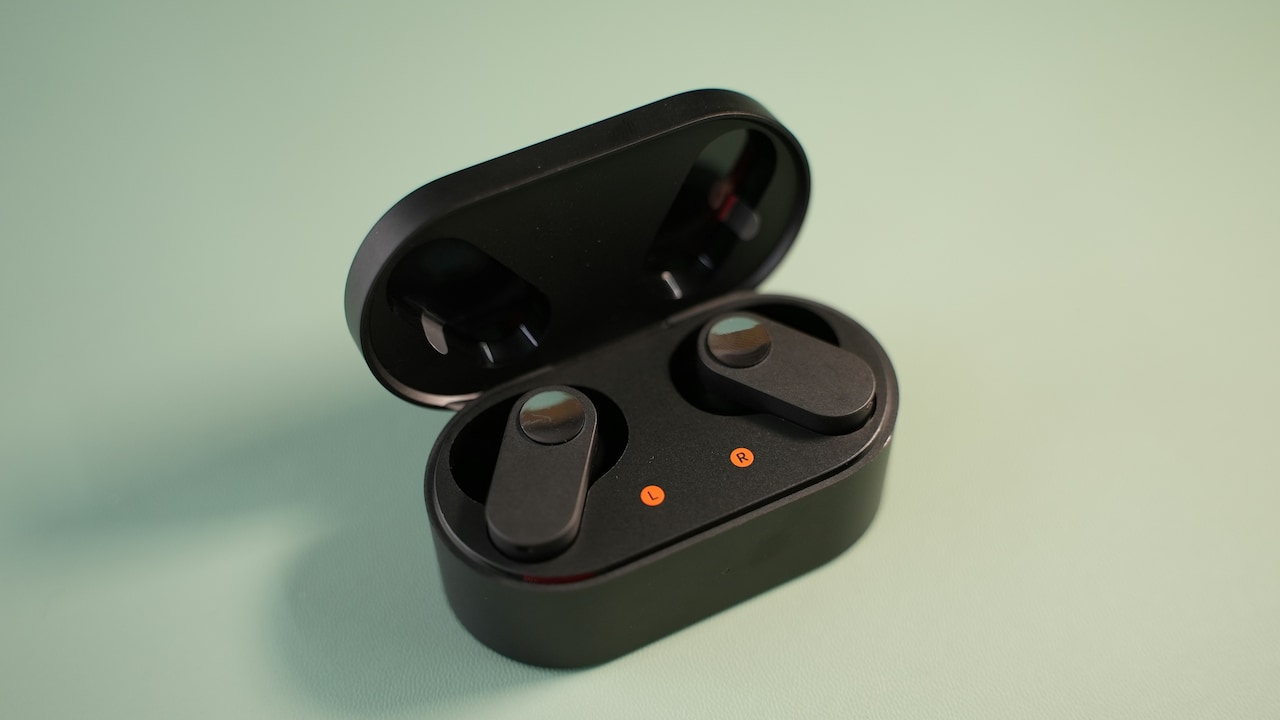
Why ANC Earbuds Don't Block Noise Properly: 10 Fit And Setup Problems
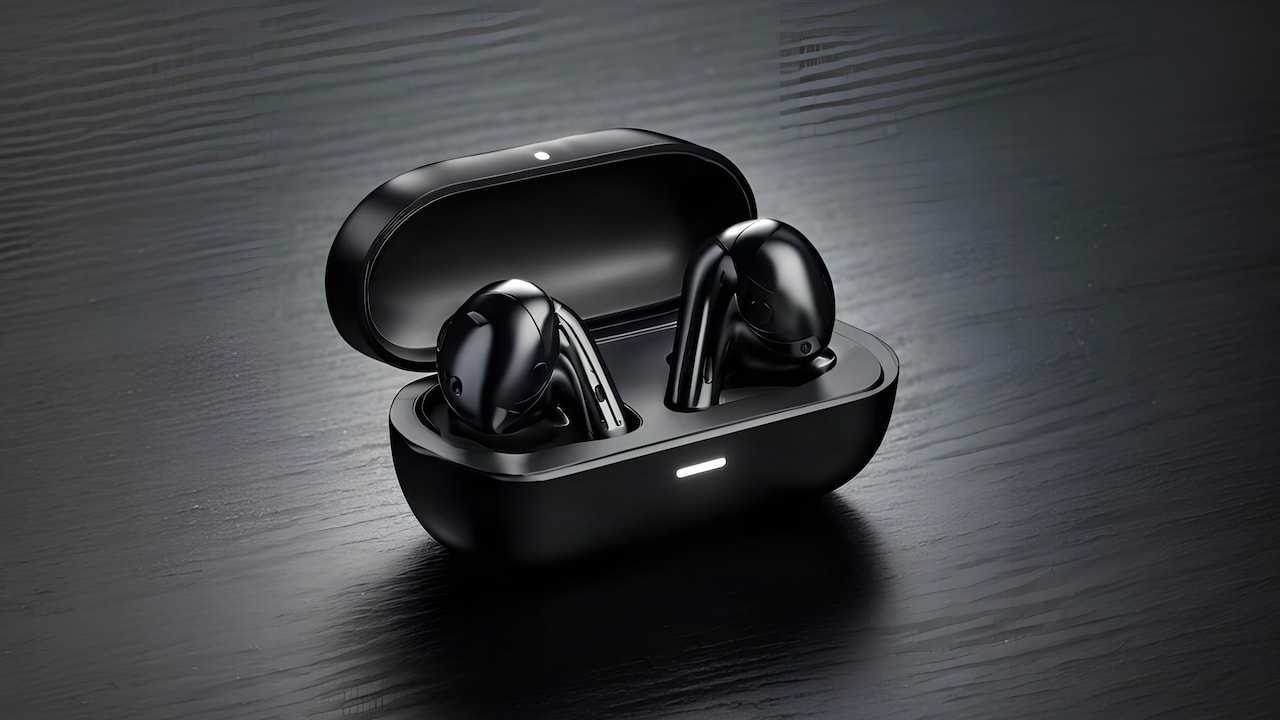
Active noise cancellation can feel almost magical when it works properly. Switch it on during a commute and the steady growl of an engine softens. The air conditioner fades into the background. Office chatter becomes easier to ignore. Yet the same pair of ANC earbuds can sometimes seem surprisingly ordinary, with horns, conversations and mechanical hums slipping through as though noise cancellation barely exists. That doesn't always mean the earbuds have weak ANC. Noise cancellation relies on more than electronics. The earbuds need to sit correctly, their microphones need enough access to surrounding sound, and their software must actually run in the right mode. Even a tiny gap around an ear tip can undermine the system before the ANC circuitry gets a chance to help. Fit also changes during the day. Sweat, movement, jaw motion and even how firmly someone inserts the earbuds can alter the seal. Settings add another layer of confusion. Transparency mode, adaptive ANC and device-specific controls can all produce very different results. So, before blaming the hardware, it helps to check the surprisingly ordinary problems that can make expensive ANC earbuds sound far less impressive than expected.
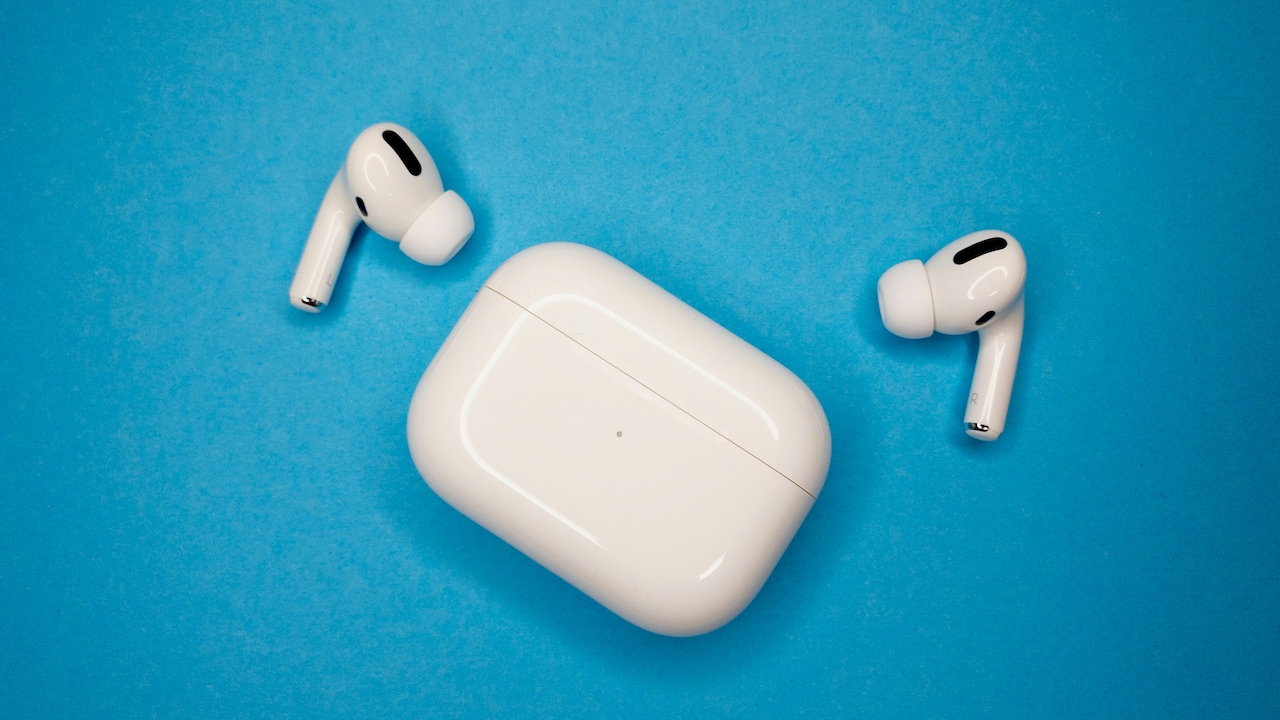
Why ANC Earbuds Don't Block Noise Properly: 10 Fit And Setup Problems; Photo Credit: Pexels
Why Your ANC Earbuds May Be Letting More Noise In Than Expected
1. The Ear Tips Are Too Small To Create A Proper Seal
ANC earbuds work best when the ear canal gets reasonably well sealed. If the silicone tip sits loosely, outside sound can travel through the physical gap before the cancellation system can do much about it. The result often feels like weak ANC, especially with voices, horns and higher-frequency noises.
A loose fit can be deceptive because the earbuds may still feel comfortable. They might not fall out or wobble dramatically. Yet comfort alone doesn't prove that the tips seal correctly. If music loses bass or outside voices remain unusually clear, the ear tips deserve attention.
Try the larger supplied size and compare the difference. Some people even need different tip sizes in each ear, which is completely normal. Ear canals are rarely perfect mirror images.
The goal isn't to force the biggest possible tip inside the ear. Oversized tips can cause discomfort and may fold or deform. Instead, look for gentle pressure, stable placement and noticeably fuller bass. When the physical seal improves, ANC often seems dramatically stronger without changing a single setting.
Also Read: How To Choose The Right Wireless Earbuds For Your Ear Shape And Budget
2. The Ear Tips Are Too Large And Won't Sit Deep Enough
Going bigger doesn't automatically improve isolation. An oversized ear tip can sit near the entrance of the ear canal rather than forming a secure seal inside it. That creates another version of the same problem: outside noise finds gaps around the edge.
Large tips may also push the earbuds outward. They can look properly positioned while the acoustic opening sits slightly too far away from the canal. During a bus journey or walk, even small movements can then break the seal repeatedly.
This problem often comes with a familiar feeling. The earbuds seem snug for the first few minutes, but pressure builds quickly. Adjusting them provides temporary relief, yet every adjustment changes the sound.
Try moving down one tip size and reinserting the earbuds with a gentle twist. Many models sit better when the tip enters first and the body rotates slightly backwards or upwards afterwards.
A secure fit should feel stable rather than aggressively tight. If ANC improves only when physically pressing the earbuds deeper with a finger, the current ear tip size or shape probably isn't allowing the earbuds to sit correctly on their own.
3. The Earbuds Haven't Been Twisted Into Their Intended Position
True wireless earbuds rarely work best when simply pushed straight into the ears. Their housings usually follow the curves of the outer ear, and manufacturers often design them to lock into place after a small twist.
Skip that step and the ear tip may never seal evenly. One side might press firmly against the ear canal while another leaves a tiny opening. Those gaps can admit enough environmental sound to make ANC seem inconsistent.
Placement also affects microphones. Modern ANC earbuds commonly use microphones both outside and inside the ear. If the housing points in an unusual direction, clothing, hair or part of the ear can partly obstruct an external microphone.
A better approach involves inserting the tip gently and rotating the earbud until the main body feels naturally supported. Avoid excessive pressure. The exact angle varies between designs.
Once seated properly, check whether bass sounds stronger and both earbuds feel equally isolated even before playing music. Passive isolation provides a useful clue. If traffic and nearby voices already sound slightly quieter before ANC activates, the earbuds probably have a better foundation for their electronic cancellation to work.
Why ANC Earbuds Don't Block Noise Properly: 10 Fit And Setup Problems; Photo Credit: Pexels
4. One Earbud Has A Much Weaker Seal Than The Other
A poor seal in just one ear can make the entire listening experience feel wrong. The brain constantly compares sound arriving from both sides. If the left ear feels heavily isolated while the right lets conversations through, ANC can seem uneven or strangely weak overall.
Different ear shapes commonly cause this. One ear may suit a medium tip while the other needs a large one. Yet many users instinctively choose identical tips because that's how the earbuds arrive in the box.
Test each side separately. Insert both earbuds, turn ANC on and gently press one earbud inward. If outside noise suddenly drops on that side, the fit probably needs adjustment. Repeat the test on the other side.
Changing only one ear tip size may solve the problem immediately. Third-party foam or alternative silicone tips can also help when the supplied options don't match comfortably.
Uneven fit becomes particularly noticeable in cafés, shared offices and busy roads, where voices arrive from different directions. Matching the seal on both sides helps create a more balanced sound field and gives the ANC system a better chance of delivering consistent suppression.
5. Earwax Or Debris Is Affecting The Ear Tip And Sound Opening
Earbuds spend hours sitting in a warm, enclosed space, so some build-up is unavoidable. Over time, earwax, lint and skin oils can collect around the ear tips, speaker mesh and microphone openings.
That doesn't just look unpleasant. Build-up can change how the ear tip grips the skin, making it slide more easily and weakening the seal. Blocked microphone openings can also interfere with how accurately the ANC system measures surrounding noise.
Cleaning needs a gentle approach. Remove detachable silicone tips and clean them according to the manufacturer's guidance. Let them dry completely before reinstalling them. For the earbud body, use a soft, dry cloth or suitable cleaning tool rather than pushing sharp objects into tiny openings.
Pay particular attention when ANC used to work well but seems to have deteriorated gradually. Hardware rarely loses half its noise-cancelling ability overnight without another symptom. A fit or cleanliness issue may provide a simpler explanation.
Regular cleaning also helps the earbuds sit more consistently. Clean ear tips grip better than oily ones, especially during warm commutes, workouts or long listening sessions.
6. Sweat And Skin Oils Are Making The Earbuds Shift
ANC can work perfectly when earbuds first go in and noticeably worsen an hour later. Sweat and natural skin oils often explain the change.
As moisture builds around silicone tips, friction drops. Earbuds that initially felt secure can slowly move outward, creating tiny leaks around the canal. Nothing dramatic happens. They don't necessarily fall out. The seal simply becomes weaker.
This commonly shows up during workouts, long walks or hot afternoons. Music may suddenly sound less full, and more traffic or conversation begins creeping through. Pushing the earbuds back in fixes the problem temporarily, which makes the ANC itself seem temperamental.
If this happens regularly, wipe the tips and outer ear gently before insertion. Foam tips may offer better grip for some ears, although they require more frequent replacement and proper cleaning.
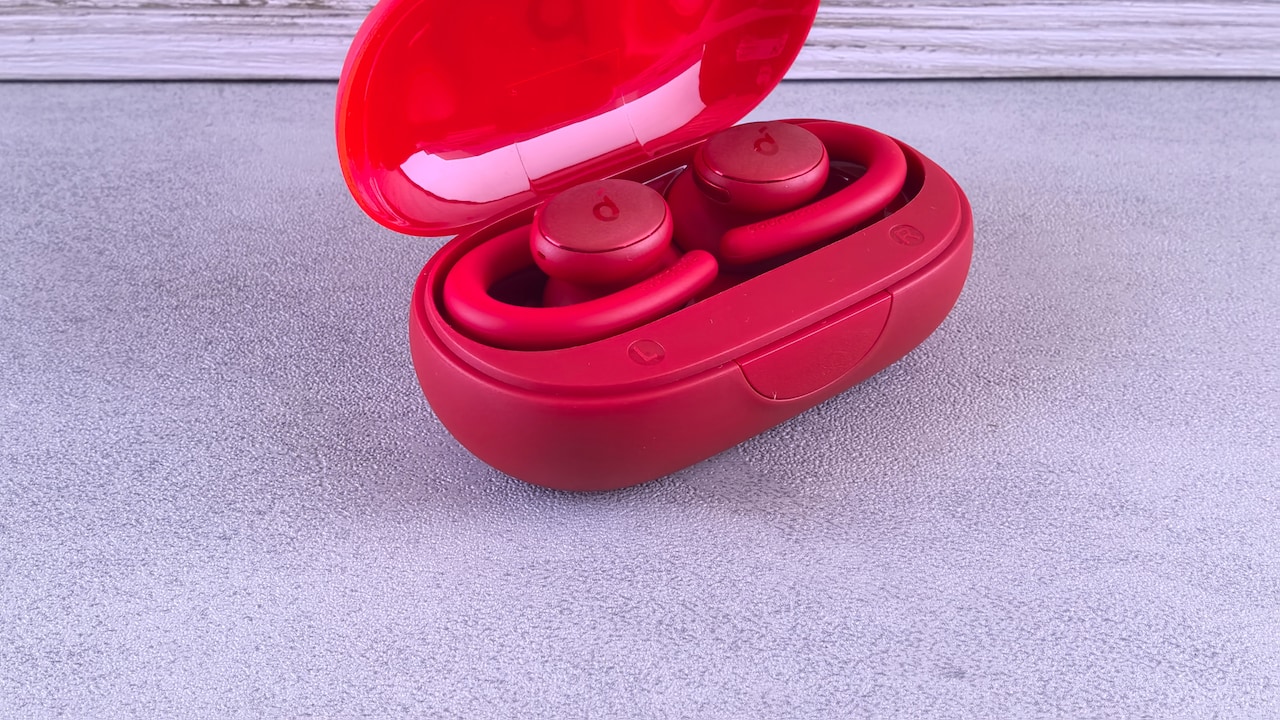
Earbuds with stabilising wings can also suit people who experience constant movement.
The useful clue here is timing. If ANC sounds excellent at the beginning of a listening session but weaker after movement or heat, don't immediately blame the electronics. The earbuds may simply have shifted enough to break the original seal.
7. Transparency Or Ambient Mode Is Still Switched On
Sometimes the problem isn't weak noise cancellation at all. The earbuds are actively letting outside sound in.
Transparency, ambient sound, hear-through and awareness modes use the external microphones to feed environmental audio into the ears. They're useful when crossing a road, speaking to someone or listening for announcements, but they create almost the opposite experience to ANC.
Confusion becomes easy because controls vary widely. A long press might cycle through ANC, transparency and off modes. Another model may switch automatically when someone speaks. Some earbuds announce the selected mode, while others only play a subtle tone that's easy to miss.
Open the companion app and check the selected listening mode rather than relying entirely on touch controls. If the model offers customisable gestures, confirm what each press or hold actually does.
Adaptive systems add another complication. They may intentionally allow more environmental sound in certain situations.
Before deciding that ANC performance has suddenly collapsed, verify that full noise cancellation is actually active. It sounds obvious, yet accidental mode switching remains one of the easiest ways for a premium pair of earbuds to start behaving like tiny open windows to the outside world.
Why ANC Earbuds Don't Block Noise Properly: 10 Fit And Setup Problems; Photo Credit: Pexels
8. Adaptive ANC Is Choosing A Lighter Level Of Cancellation
Adaptive noise cancellation aims to make earbuds smarter. Instead of applying maximum ANC constantly, the system adjusts according to surroundings, activity, fit or detected environmental sound.
That convenience can occasionally feel like a fault.
Walk from a loud train platform into a quieter building and the earbuds may reduce cancellation automatically. Some systems react to movement or conversation too. Suddenly, footsteps, voices or fans become more noticeable even though ANC still appears enabled.
Check the companion app for options such as adaptive, dynamic or automatic noise control. If the earbuds offer a fixed strong ANC setting, compare it with the adaptive mode in the same environment.
Fixed maximum cancellation may suit long commutes or focused work better, while adaptive ANC can feel more natural for everyday movement.
Remember that software behaviour varies by model. Updates can also change how aggressively adaptive modes respond.
If noise cancellation seems to fluctuate without the earbuds physically moving, the software may be adjusting it deliberately. The feature isn't necessarily malfunctioning. It may simply have a different idea of how much isolation you need while someone nearby is discussing tomorrow's meeting at full volume.
9. Hair, Clothing Or Accessories Are Covering The ANC Microphones
The microphones responsible for ANC need access to environmental sound. Cover them and the system receives a less accurate picture of what needs cancelling.
Long hair can brush against an earbud repeatedly. A beanie, scarf, helmet strap or hoodie may press against the outer housing. Even frequent finger adjustments can temporarily block microphones and create odd changes in cancellation.
The effect can range from reduced ANC to rustling, wind-like noises or strange pressure sensations. During winter or motorcycle commutes, accessories can make the difference particularly noticeable.
Check where the external microphone openings sit on your earbuds. They often look like tiny holes or narrow vents around the housing. Make sure nothing rests directly against them.
This matters especially with earbuds that sit mostly outside the ear rather than deep inside it.
If ANC performance changes whenever hair gets tucked behind the ear or a hood comes off, the cause becomes fairly clear. The solution costs nothing: keep the microphone areas unobstructed and avoid constantly touching the outer surfaces.
Noise cancellation can only react intelligently when its microphones can actually hear the noise surrounding you.
10. The Earbuds Haven't Been Updated Or Calibrated Properly
Fit gets most of the attention, but software also controls a large part of modern ANC behaviour. Firmware updates can change noise cancellation, fix microphone problems, improve stability and adjust how adaptive modes respond.
If the earbuds behave strangely, check their companion app for available updates. Keep both earbuds charged before installing firmware, and avoid interrupting the process.
Some models also include fit tests, personalised ANC or ear-analysis features. These tools may play a short sound and estimate whether each ear tip forms a reliable seal. They're not perfect, but they can highlight an obvious mismatch that's difficult to judge by feel alone.
Resetting the earbuds can help when listening modes stop responding correctly after repeated pairing or software updates. Follow the manufacturer's reset procedure rather than randomly holding buttons and hoping for technological forgiveness.
Also check whether the app remembers separate settings for different devices. Earbuds paired with both a phone and laptop may behave differently depending on which device currently controls them.
Good ANC relies on hardware, fit and software working together. When all three align properly, the improvement can feel far bigger than simply turning a setting from “off” to “on”.
Products Related To This Article
1. boAt Nirvana Ion, 120HRS Battery
2. MOSS Echo Whisper TWS, 60H Battery
3. realme Buds T200x True Wireless Earbuds with 12.4mm Dynamic Bass Drivers
4. boAt Airdopes Prime 701 ANC, 46dB Hybrid ANC, 50Hr Battery
5. GOBOULT Mustang Torq Wireless in Ear Earbuds with 60H Playtime
6. boAt Airdopes 141/8, Low Latency, ENx Tech, 42HRS Battery
7. Noise Buds N2 Pro Truly Wireless Earbuds with ANC
ANC earbuds can't block every sound, particularly sudden voices, sharp horns and other unpredictable noises. Still, poor fit and incorrect settings can make capable earbuds perform far below their potential. Start with the physical basics: ear tip size, insertion angle, cleanliness and stability. Then check ANC modes, adaptive settings, microphones and firmware. Often, the difference between disappointing noise cancellation and genuinely useful isolation comes down to a tiny adjustment rather than a new pair of earbuds.
(Disclaimer: This article may include references to or features of products and services made available through affiliate marketing campaigns. NDTV Convergence Limited (“NDTV”) strives to maintain editorial independence while participating in such campaigns. NDTV does not assume responsibility for the performance or claims of any featured products or services.)