7 Tablets With Laminated Displays For Better Handwriting And Drawing
Explore seven tablets with sharp displays, smooth refresh rates and stylus-friendly features designed for better handwriting, note-taking, sketching and digital drawing.

7 Tablets With Laminated Displays For Better Handwriting And Drawing
A tablet can look brilliant while streaming a film and still feel oddly disappointing the moment a stylus touches the screen. The reason often comes down to what happens between the pen tip and the pixels. On well-integrated displays, that visual gap feels smaller, so handwriting appears closer to where the stylus actually lands. It sounds like a minor detail until you're squeezing equations between notebook lines, marking up a crowded PDF or tracing a delicate curve. Then every millimetre matters. Refresh rate, surface treatment and pen technology also shape the experience. So, for anyone replacing stacks of notebooks with one screen, we've picked seven tablets that put display quality, note-taking and creative work firmly in focus.
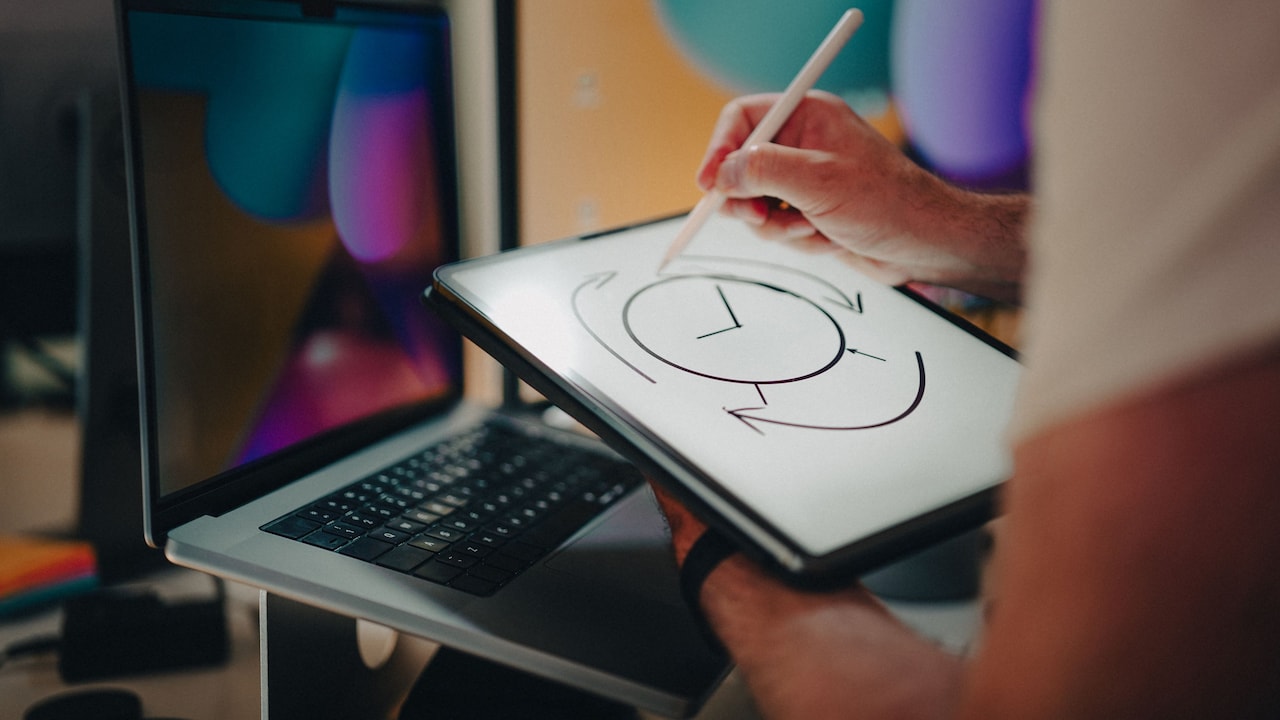
7 Tablets With Laminated Displays For Better Handwriting And Drawing; Photo Credit: Pexels
What Makes A Tablet Better For Writing And Drawing?
A laminated or closely integrated display can reduce the visible distance between the glass surface and the image underneath. That can make handwriting and sketching feel more direct. Full lamination is specifically confirmed by the manufacturers for models such as the Redmi Pad 2 Pro and XPPen Magic Note Pad. For other tablets below, the supplied specifications don't explicitly confirm full lamination, so buyers focused specifically on that construction should check the current manufacturer specifications before ordering. Screen resolution matters too. A sharper panel keeps small handwriting clear, while 90Hz or 120Hz refresh rates make scrolling and pen movements look smoother. Stylus compatibility, pressure sensitivity, and anti-glare treatment can matter even more for illustrators.
Also Read: Best Tablets for Work, Study and OTT: Top Models From Apple, Honor, Samsung To Lenovo
Top 7 Tablets For Handwriting And Drawing
1. Redmi Pad 2 Pro
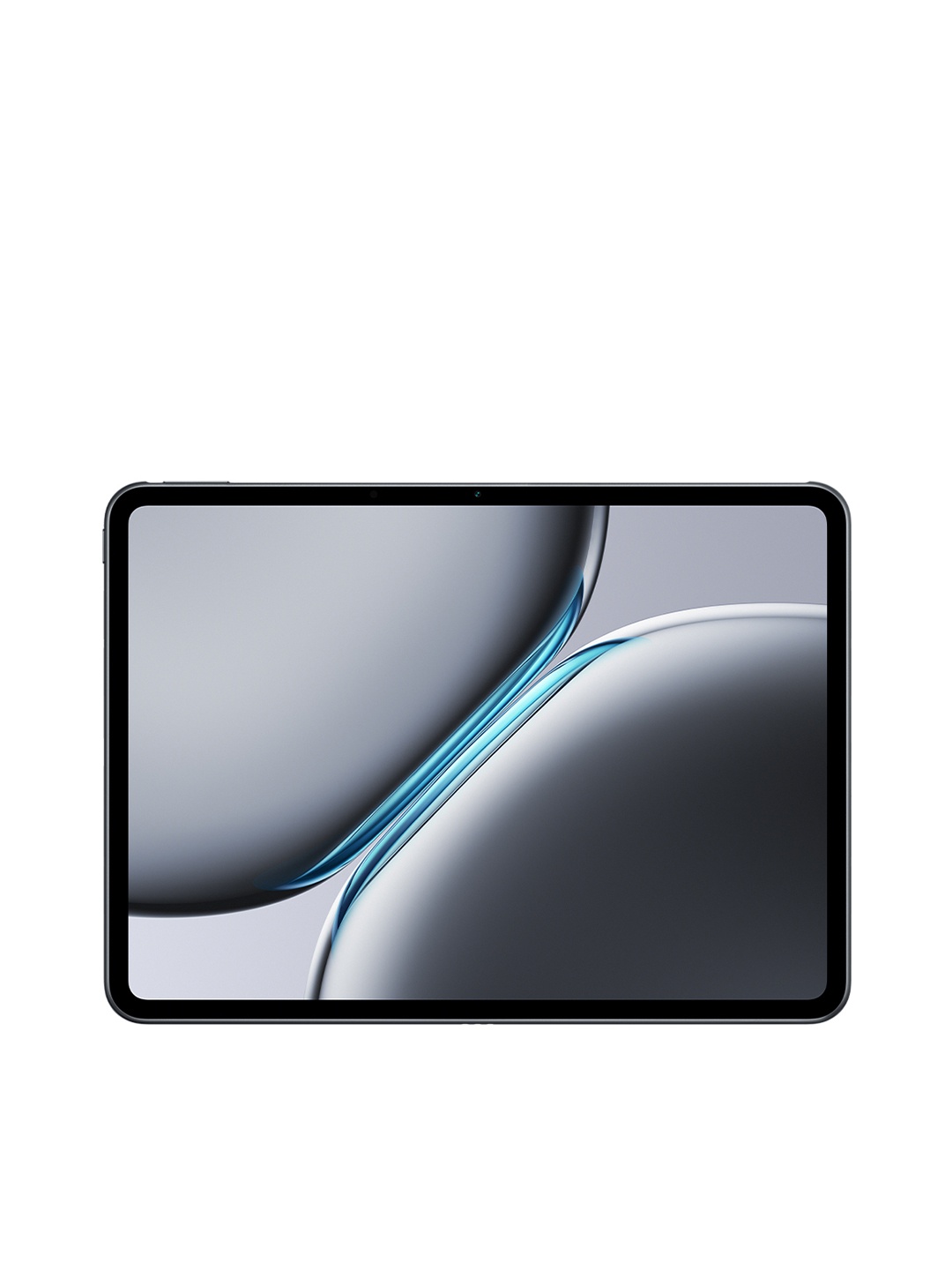
The Redmi Pad 2 Pro gives note-takers plenty of room with its 12.1-inch 2.5K display. Xiaomi confirms that the screen uses full-lamination in-cell construction, which makes it particularly relevant for handwriting. Its 120Hz refresh rate should also keep scrolling and pen movements looking fluid. The Redmi Smart Pen works with the tablet, though it's sold separately. A Snapdragon 7s Gen 4 chip, 8GB RAM and the large 12,000mAh battery make this a practical choice for long study sessions, digital planners and sketch-heavy days.
2. HP OmniPad 12
The HP OmniPad 12 leans towards users who want one device for handwritten work and conventional productivity. Its 12-inch touchscreen offers 2K resolution, up to 400 nits brightness and a 90Hz refresh rate. That combination gives diagrams, documents and handwritten annotations plenty of visual breathing room. The detachable keyboard is especially handy when a class note suddenly needs to become a typed report. With 8GB LPDDR5 memory, 128GB storage and long claimed battery life, it suits people constantly moving between reading, typing and touch input.
3. OnePlus Pad Lite
The OnePlus Pad Lite takes a simpler approach. Its 11-inch display has a 1920 x 1200 resolution, 90Hz refresh rate and brightness rated at 500 nits. That makes it comfortable for reading lecture material, reviewing presentations and jotting informal notes with compatible touch tools. Eye Comfort technology targets blue-light exposure and flicker, which could prove useful during lengthy reading sessions. Open Canvas also lets users place two apps side by side, handy when copying references into notes or working from a textbook PDF.
4. Samsung Galaxy Tab A11+
The Galaxy Tab A11+ offers an 11-inch, 1920 x 1200 display with a 90Hz refresh rate. Samsung highlights the screen's smooth motion and bright viewing characteristics, making it well suited to reading and everyday touch interaction. Its real strength lies in being a versatile everyday tablet rather than a specialist drawing slate. With 6GB RAM, expandable storage and useful multitasking features, it can handle digital textbooks, presentations, typed assignments and casual annotation without demanding a highly specialised workflow.
5. XPPen Magic Note Pad
This is the most writing-focused option here. XPPen confirms full lamination for its 10.95-inch Magic Note Pad, while the nano-etched surface aims to mimic the look and resistance of paper. The included X3 Pro Pencil 2 supports 16,384 pressure levels, giving artists far greater stroke control than ordinary capacitive styluses. Three display modes let users switch between natural colour, lighter colour and a monochrome-style reading mode. For handwritten notes, PDF annotation and sketching, its hardware feels purpose-built rather than added as an afterthought.
6. Lenovo Idea Tab
Lenovo's Idea Tab combines a sharp 11-inch 2.5K display with a 90Hz refresh rate and up to 500 nits brightness. The supplied configuration also includes the Tab Pen and folio keyboard, making it useful for students who alternate between formulas, sketches and typed coursework. Lenovo says the Tab Pen supports 4,096 pressure levels and tilt input, giving drawing and handwriting more nuance than a basic touchscreen stylus. Anti-reflection treatment also helps when reading or writing under bright indoor lighting.
7. Samsung Galaxy Tab S10 Lite
The Galaxy Tab S10 Lite makes a convincing case for people who don't want to buy the stylus separately. Samsung includes the S Pen and specifically positions it for writing, sketching and note-taking. The 10.9-inch display runs at 90Hz, helping handwritten strokes and interface movement appear smoother. Features such as Object Eraser and Galaxy AI broaden its appeal for creative users, while the slim 6.6mm body makes it easier to carry between lectures, meetings or drawing sessions.
The best choice depends on what happens after the screen switches on. For serious handwriting and drawing, the XPPen Magic Note Pad stands out with confirmed full lamination, a paper-like surface and highly pressure-sensitive pen. The Redmi Pad 2 Pro offers a larger confirmed full-laminated display, while Lenovo and Samsung provide appealing pen-friendly alternatives. Before buying, check current stylus compatibility and display construction, then choose the tablet that best matches how you actually write, sketch and study. Shop now on Amazon
(Disclaimer: This article may include references to or features of products and services made available through affiliate marketing campaigns. NDTV Convergence Limited (“NDTV”) strives to maintain editorial independence while participating in such campaigns. NDTV does not assume responsibility for the performance or claims of any featured products or services.)