Why Phone Storage Runs Out Faster Than Expected: Common App, Photo And Backup Mistakes To Avoid
Storage fills up faster than expected when apps hoard cache, chats auto-save media, photos pile up, and old backups return clutter. Here’s how simple phone habits quietly eat space, and what to fix before the warning pops up.

Phone Storage Full? Common App, Photo And Backup Mistakes To Avoid
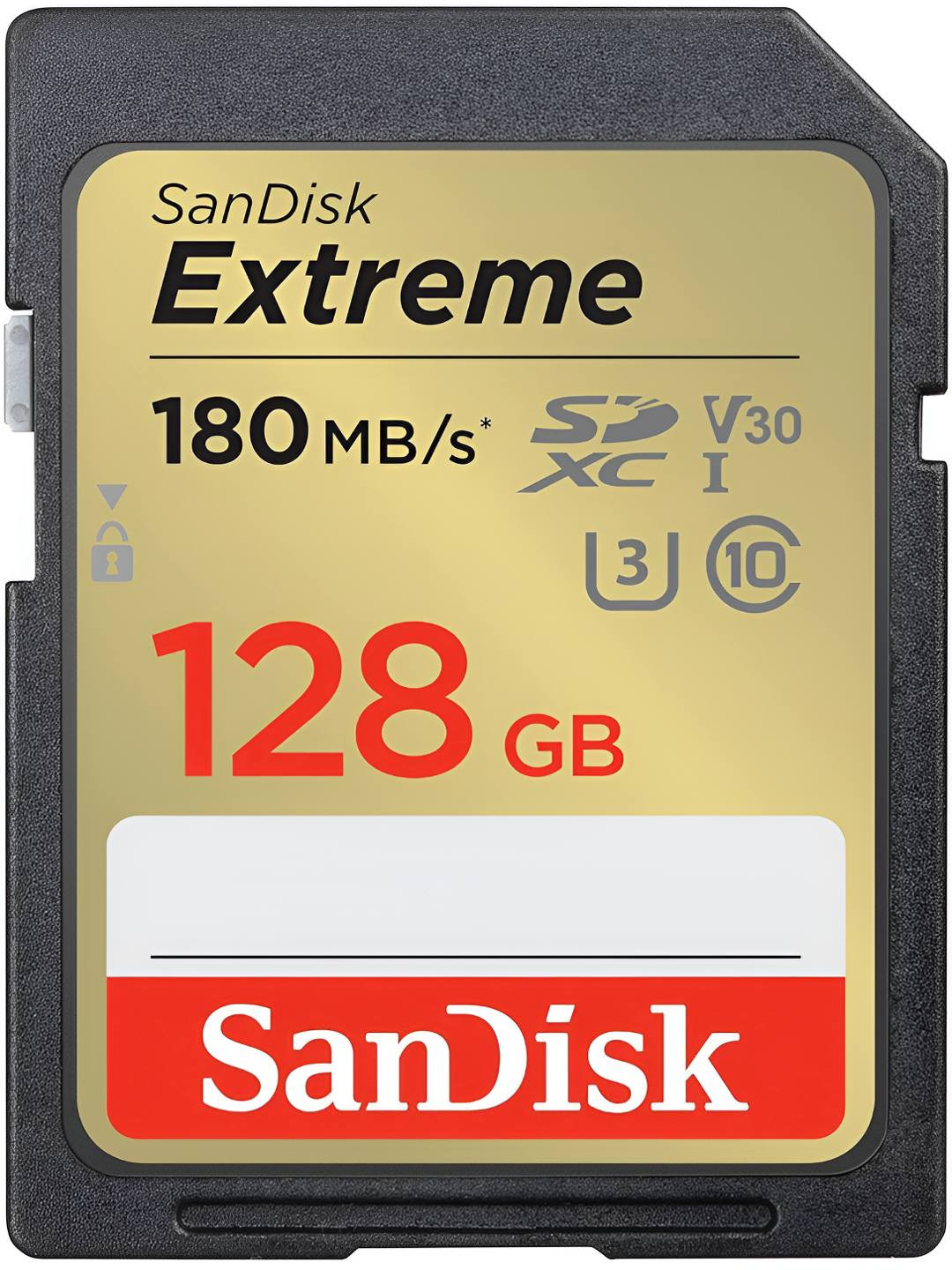
A phone with 128GB sounds roomy on the first day. The box shines, the screen feels quick, and every app opens as if it has just had strong filter coffee. Then, a few months later, the warning appears: storage almost full. It always arrives at the worst possible moment. Someone wants a group photo at a cousin's sangeet, a teacher asks for a PDF, or a cab driver needs a location screenshot. Suddenly, the phone behaves like a packed local train at peak hour. Most people blame photos, and photos do take their share. Yet storage usually runs out because of many small habits. Apps keep hidden files. Backups repeat old clutter. Videos sit inside chats. Downloads gather dust. The phone does not run out of space because life became too digital in one week. It fills up because nobody checks the cupboards until the doors stop closing.

Phone Storage Full? Common App, Photo And Backup Mistakes To Avoid; Photo Credit: Pexels
Common Storage Mistakes That Fill Your Phone Too Fast
Tiny Apps That Grow Like Monsoon Clouds
Many apps look harmless when they arrive. A food delivery app may take only a few hundred megabytes. A shopping app, a short-video app, a payment app and a cricket score app may also seem light. The trouble begins after regular use. Apps store thumbnails, temporary files, search history, stickers, maps, bills and cached pages so they can open faster next time. That speed feels useful, but the storage bill grows quietly.
Social media apps often behave like enthusiastic relatives at a wedding. They bring photos, videos, reactions, previews and saved drafts, then refuse to leave. A person may delete ten photos from the gallery and still see no relief because an app cache has swallowed far more space.
A monthly check helps. Open the phone's storage settings and sort apps by size. Delete apps that only see action during sales. Clear cache for heavy apps. Do not clear important app data unless login details and documents sit safely elsewhere. The difference can feel surprisingly large.
Also Read: How To Organise Your Home Like A Pro: Top 10 Storage Solutions From Amazon
WhatsApp Media That Moves In Quietly
Chat apps turn storage into a community hall. Everyone brings something. One group sends morning greetings with glittering flowers. Another sends school notices, society circulars, festival videos, menu cards, memes, voice notes and blurry screenshots of train tickets. Nothing feels huge alone. Together, they form a digital mountain.
Auto-download creates the biggest mess. When the setting stays on, every image and video enters the phone without asking. A person may not even open a group, yet its media still lands in storage. Family groups during Diwali, Holi, cricket finals or wedding season can fill gigabytes before anyone notices.
The fix does not need drama. Turn off auto-download for mobile data and keep it selective for Wi-Fi. Review large files inside the chat app's storage section. Delete forwarded videos first because they often offer the least emotional value. Save meaningful photos manually. This habit keeps the memories and removes the noise, which sounds simple because it is.
Photos That Multiply Before Lunch
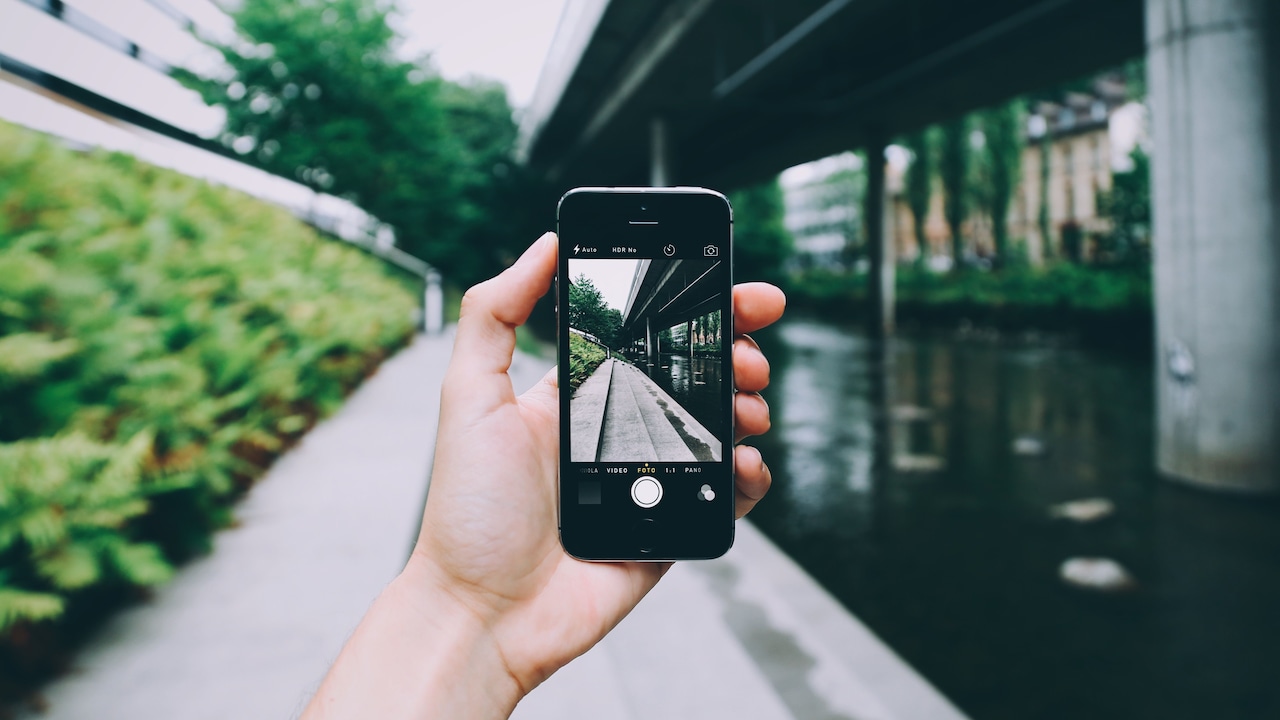
Modern phone cameras encourage extra shots. Nobody takes one photo of a plate of biryani, a new kurta or a child's annual day performance. People take six, check the face, take four more, try portrait mode, then take a final one “just in case”. The gallery fills with near-identical images, closed eyes, tilted frames and accidental floor photos.
High-resolution photos make the problem worse. A camera with more megapixels captures lovely detail, but it also creates larger files. Live photos, burst shots and edited copies add more weight. A single outing to Marine Drive, Cubbon Park or Jaipur can produce enough images to crowd the gallery for months.
A better routine helps more than a bigger phone. Delete duplicates on the same day, while the memory feels fresh. Keep the best three shots from an event, not thirty-seven versions of the same smile. Use the favourites button to mark winners. Later, clean everything else. Good memories deserve space; random pocket shots do not.

Phone Storage Full? Common App, Photo And Backup Mistakes To Avoid; Photo Credit: Pexels
Videos That Eat Storage For Breakfast
Photos take space, but videos arrive with an appetite. A one-minute high-quality video can outweigh dozens of photos. Record a birthday cake cutting, a dance rehearsal, a pet doing something silly and a traffic jam during heavy rain, and the phone starts sweating. Add slow motion or 4K recording, and storage disappears faster than samosas at an office party.
The problem grows because videos feel difficult to delete. They hold voices, movement and tiny family details. Yet many clips repeat the same moment. Ten videos of the same school performance rarely need permanent VIP treatment.
Check the camera settings before recording everything in the highest quality. Most everyday clips look perfectly fine at standard resolution, especially when people only share them on chat apps. Trim long videos and remove shaky starts and endings. Transfer important clips to a laptop or external drive. Keep emotional videos, not endless footage of the ceiling before the main moment begins.
Backups That Copy The Same Clutter
Backups promise safety, and they matter. Nobody wants to lose baby photos, work files or years of messages because a phone fell into a bucket during a cleaning spree. Still, careless backups can turn clutter into a family heirloom. The phone stores old files, the cloud copies them, and a new phone restores them again. The mess survives every upgrade like a stubborn stain on a white shirt.
Some people back up everything without checking what “everything” includes. Duplicate photos, old memes, expired tickets, app data, voice notes and unused downloads travel together. When storage fills again after moving to a new phone, the culprit often sits inside the restored backup.
Before any major backup, spend time cleaning. Remove large videos, repeated photos and apps that no longer matter. Check whether the chat backup includes videos. Many people need messages, not every forwarded clip since 2019. A backup should protect valuable memories and documents, not preserve digital junk with religious devotion.
Downloads That Never Leave The House
The downloads folder often becomes the storeroom nobody opens. It holds electricity bills, bank statements, office decks, school worksheets, restaurant menus, e-tickets, invoices, wallpapers and PDFs with names like “final_new_latest_2”. These files serve a purpose for one day, then stay for years. Since they do not appear in the gallery, they escape regular cleaning.
Screenshots add to the crowd. People capture payment confirmations, addresses, recipes, product prices and exam schedules. A week later, most lose their value. Yet they continue living in storage, quietly taking up space and making file searches painful.
A simple Sunday clean-up works well. Open downloads and sort by size or date. Delete old tickets after travel. Remove duplicate bills after saving the needed copy. Rename important PDFs so they can be found without stress. Screenshots deserve special treatment: keep only the ones that still solve a problem. The rest have done their duty and can retire.
Offline Content That Overstays Its Welcome
Offline downloads feel like a blessing before a train journey, flight, power cut or long commute. Films, playlists, podcasts, maps and study videos make boring hours bearable. The trouble starts when they remain long after the journey ends. A web series downloaded for a trip to Goa may still sit on the phone during the next monsoon.
Streaming apps do not always make these files obvious in the main storage view. A person may wonder where ten gigabytes went while three films sleep inside an app. Music apps can also store hundreds of songs offline. Map apps keep city areas ready for navigation. Learning apps store lectures, notes and tests.
Treat offline content like packed tiffin. Carry what the day needs, then empty the box. After a trip, open streaming, music, map and education apps. Remove watched episodes and old downloads. Keep only current playlists or classes. Storage feels lighter when entertainment stops behaving like permanent furniture.
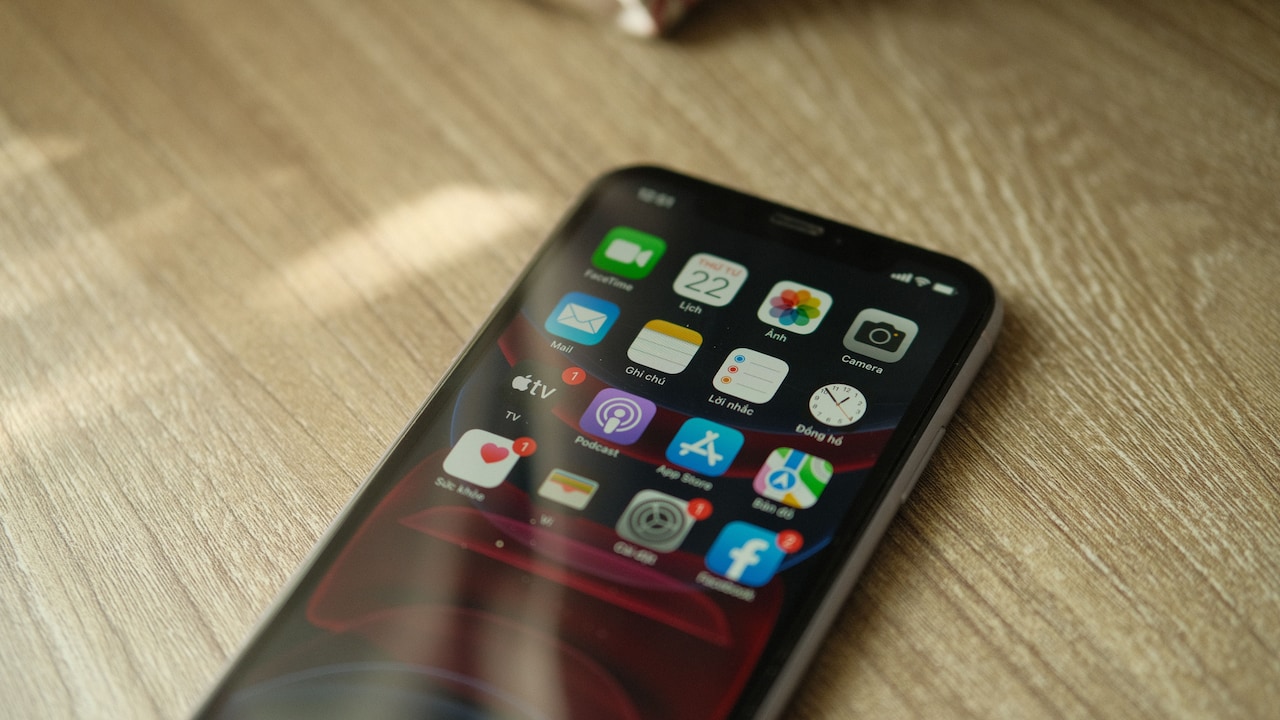
Phone Storage Full? Common App, Photo And Backup Mistakes To Avoid; Photo Credit: Pexels
Cache Files That Wear A Disguise
Cache sounds technical, but the idea stays simple. Apps save temporary bits so pages, images and videos load quickly later. This helps when the network drops or when mobile data crawls. Yet cache can grow without manners. News apps, browsers, shopping apps, video platforms and social feeds all collect bits of yesterday's browsing.
The confusing part comes when users delete visible files and still see low storage. The missing space often hides in cache. It does not sit in the gallery. It may not show as a normal document. It wears a disguise inside app storage and system data.
Clearing cache can free space without removing personal files in many apps. Still, take care. Clearing data can log users out or remove saved preferences. Start with browsers and social apps. Clear watch history, cached images and temporary files. The app may open a little slower next time, but the phone will breathe better. Sometimes a tiny delay feels better than a constant storage warning.
System Updates That Need Breathing Room
Phone updates need space before they can do their job. Many users ignore this until the update fails. The system downloads a large file, unpacks it, installs changes and may keep temporary files during the process. Even when the update itself does not seem huge, the phone needs extra room to move things around.
This creates a strange situation. A phone may show a few gigabytes free, yet still refuse an update. It behaves like a suitcase that has space for one shirt but not enough room to fold everything neatly. Users then rush to delete random photos, which adds stress.
Keep a storage buffer instead of living at the edge. A phone performs better when it has breathing room. Avoid filling storage beyond comfort, especially before travel, exams, festivals or work deadlines. Remove old apps and videos before updating. Restart the phone after major cleaning. Updates protect security and performance, so they deserve space without last-minute panic.
Cloud Sync That Feels Like Magic Until It Doesn't
Cloud storage feels magical at first. Photos appear on another device, contacts return after a phone change, and documents survive accidents. But cloud sync can also confuse people. Some assume that once photos sync to the cloud, deleting them from the phone will never affect them. Others delete from the cloud and later discover the phone followed the same instruction.
Sync is not the same as a separate backup in every situation. It often mirrors changes. Delete in one place, and the service may delete everywhere. Also, cloud storage can fill up with the same clutter as the phone. Then people face two warnings instead of one: phone storage full and cloud storage full. Paying ₹100 or ₹200 each month for extra space may help, but it does not cure messy habits.
Learn what each service does before mass deletion. Use “free up space” tools carefully. Keep truly precious files in two safe places. The cloud works best as a smart cupboard, not a dumping ground with a password.
New Phones That Bring Old Habits Back
Buying a phone with more storage feels tempting. A 256GB model can bring peace, especially for people who shoot many videos or handle work files. Yet more storage does not fix habits. It only gives clutter a bigger flat. The warning returns later if the same apps, auto-downloads, backups and offline videos continue unchecked.
The upgrade trap costs real money. Paying ₹8,000 or ₹10,000 more for larger storage may make sense for some users, but many people could delay that expense through better cleaning. A phone with good storage habits feels faster, easier to search and less annoying during urgent moments.
Before buying a new device, check what fills the current one. If chat videos, duplicate photos, and offline shows dominate the list, a clean-up may solve the pain. If work demands heavy files or the camera records daily content, bigger storage makes sense. Choose with clarity, not panic. Panic rarely gives discounts.
Products Related To This Article
1. OnePlus Nord CE6 Lite | 6GB+128GB | Hyper Black
2. realme narzo 100 Lite 5G (Frost Silver,4GB+128GB)
3. iQOO Z10R 5G (Moonstone, 12GB RAM, 256GB Storage)
4. Samsung Galaxy M56 5G Mobile (Black, 8GB RAM, 128GB Storage)
5. vivo T5x 5G (Cyber Green, 6GB RAM, 128GB Storage)
6. OPPO K14x 5G Smartphone, 6GB RAM, 128GB Storage
7. Motorola G57 Power 5G (Fluidity, 8GB RAM, 128GB Storage)
Storage does not vanish because phones betray their owners. It runs out because daily life creates digital leftovers. Every receipt screenshot, festival video, cached reel, forgotten download and restored backup asks for a little corner. One corner becomes a room, then a whole house.
The solution does not require a tech expert or a weekend sacrifice. It needs small, regular habits. Check heavy apps. Stop automatic media downloads. Delete duplicate photos while the event still feels fresh. Review videos with a kind but firm heart. Keep backups clean. Remove offline content after use. Leave space for updates.
A phone should hold memories, work and entertainment without turning every new photo into a negotiation. With a little attention, storage stops feeling like a mystery and starts behaving like a tidy cupboard. There may still be chaos during wedding season, exam time or festival sales, but at least the phone will not join the drama.
(Disclaimer: This article may include references to or features of products and services made available through affiliate marketing campaigns. NDTV Convergence Limited (“NDTV”) strives to maintain editorial independence while participating in such campaigns. NDTV does not assume responsibility for the performance or claims of any featured products or services.)