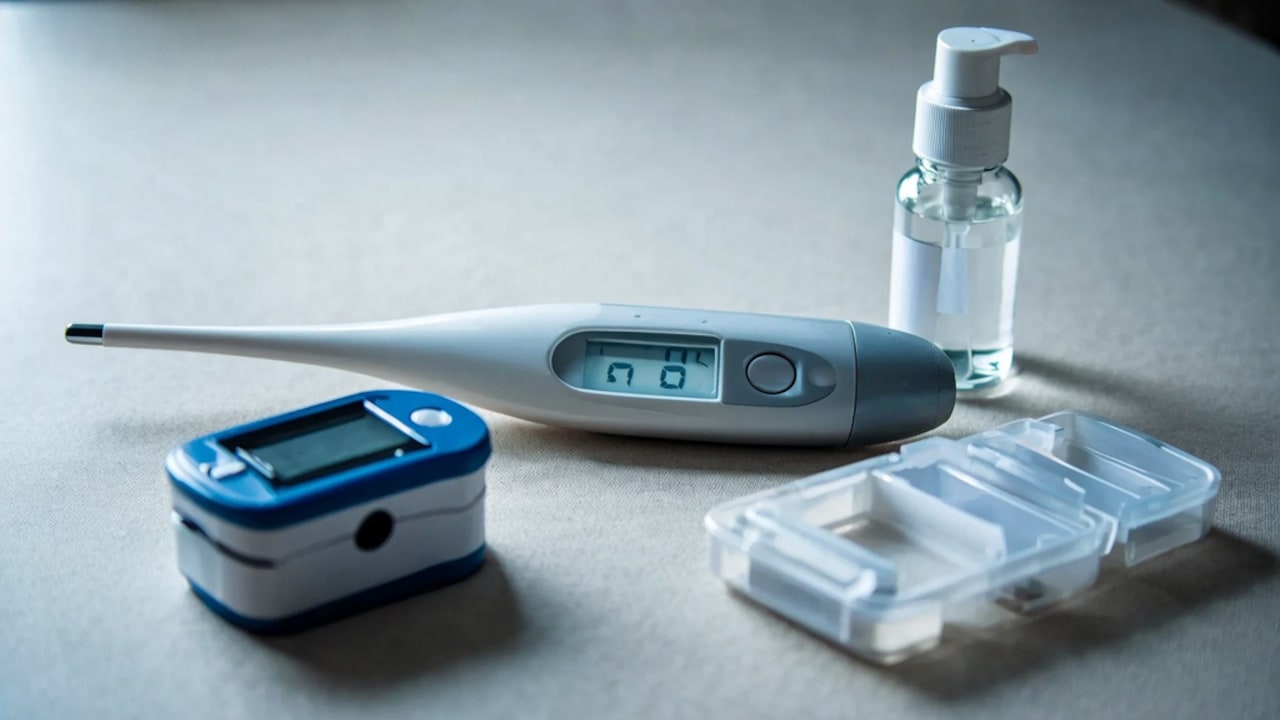
What To Do If Your Phone Overheats While Charging
Is your phone getting unusually hot while charging? Learn what causes phone overheating and the immediate steps to take to protect your battery and device.
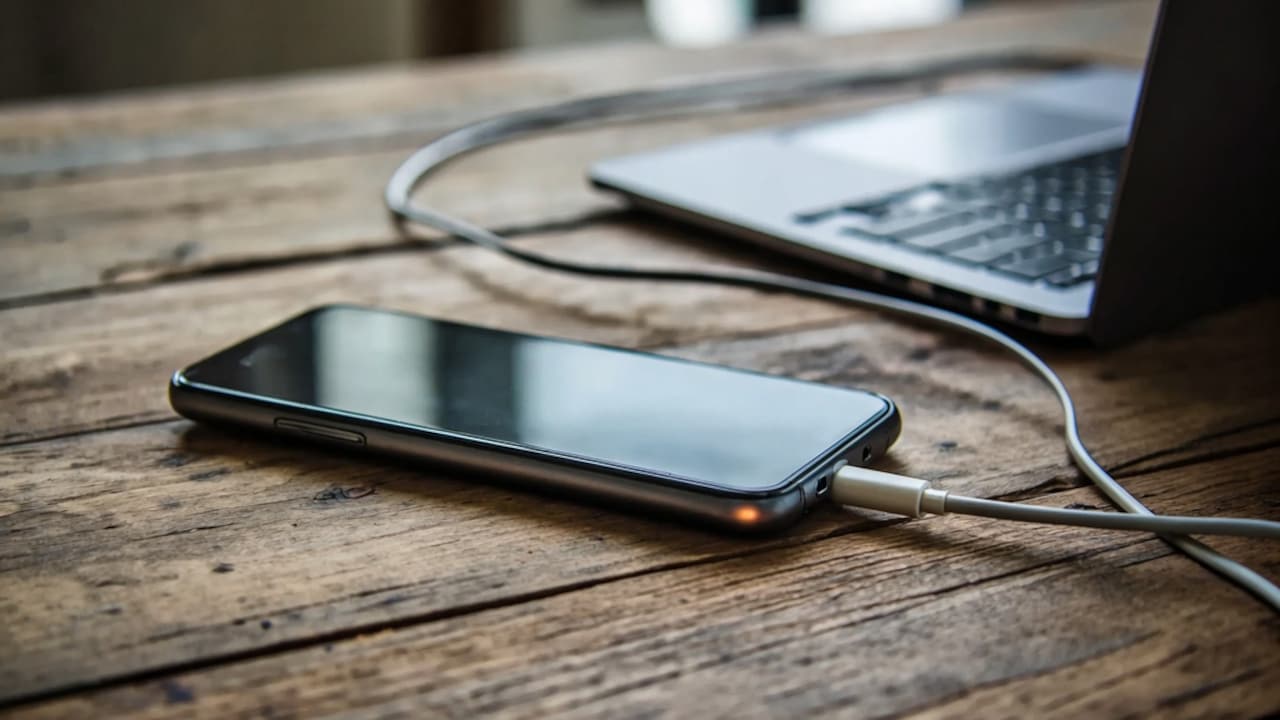
What To Do If Your Phone Overheats While Charging
We've all had that sudden moment of panic. You plug your phone in before hitting the sack or while typing away at your desk, only to pick it up later and realise it feels like a literal heating pad. Now, let's be real: a little bit of warmth while your device juices up is totally normal. But when it starts feeling hot enough to fry an egg? Yeah, that's a massive red flag you shouldn't just brush off. Constantly letting your phone bake itself can seriously tank your long-term battery health, turn your snappy software into a laggy mess, and, in worst-case scenarios, permanently fry the delicate tech inside.
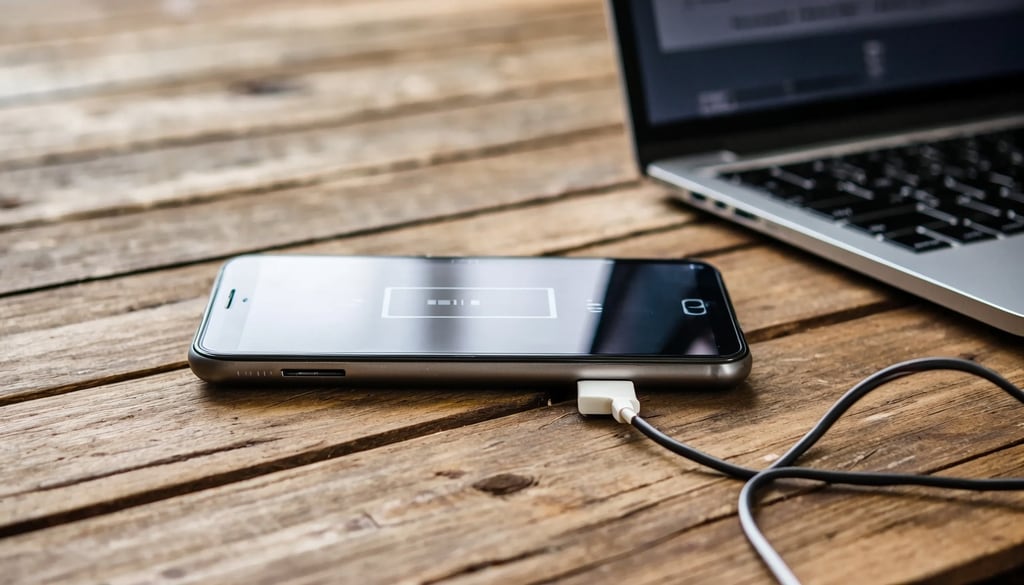
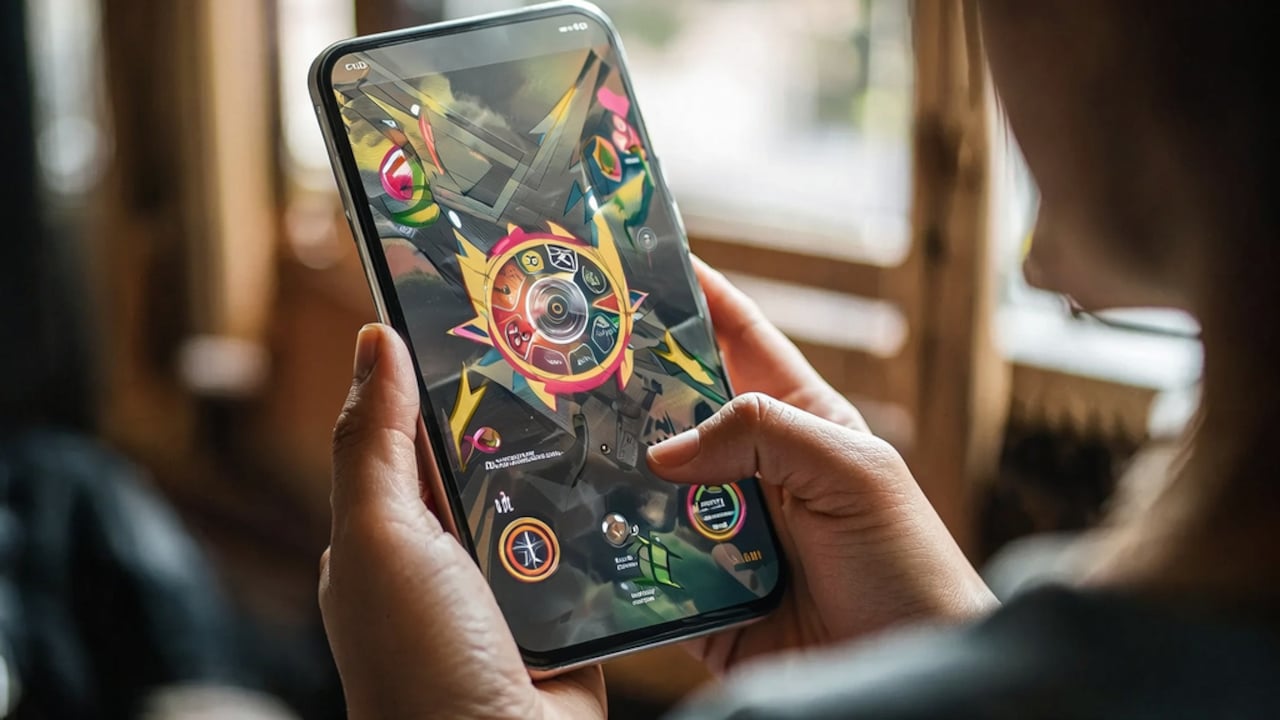
Learn the common causes of charging heat and how to protect your device battery.
Photo Credit: iStock
The good news here is that most charging-related heat issues are actually super easy to fix. Whether your device just acts up once in a while or feels like a furnace every single time it touches a charging cable, figuring out the "why" behind the heat is the first step to keeping your pocket companion safe, happy, and running smoothly.
Why Phones Heat Up While Charging?
To put it simply, your phone's battery naturally throws off a bit of heat whenever it's taking in power. It's just basic physics. However, when things cross the line into uncomfortably hot territory, there's usually a combination of pesky culprits to blame. Things like high-wattage fast charging, heavy apps running in the background, playing graphics-heavy games while plugged in, sketchy third-party cables, direct sunlight, or even a thick phone case blocking the airflow can push the temperature way past safe limits.
Granted, modern smartphones are pretty smart; they come packed with internal safeguards designed to throttle power and manage heat. But when you stack too many heat-inducing factors together at once, the hardware just can't keep up with the cooling process. That's exactly when you'll notice your charging speed dropping to a crawl, your screen stuttering, or worse, a scary-looking temperature warning popping up on your screen.
What To Do If Your Phone Overheats While Charging?
Step 1: Stop Charging Immediately
If your phone is radiating serious heat, unplug it from the wall right away. Keeping a roasting phone connected to a power source just forces more energy into an already stressed battery, which can turn a minor glitch into a major hardware failure.
Step 2: Remove The Phone Case
Think of your protective case like a heavy winter coat. While it's great for drop protection, it sucks at letting heat escape. Stripping the case off gives your phone some breathing room, allowing the trapped heat to dissipate into the surrounding air much faster.
Step 3: Move The Device To A Cooler Area
Get your phone to a cool, dry, and shady spot as fast as possible. Keep it far away from sunny windows, scorching car dashboards, or soft surfaces like beds and blankets, which love to trap heat like an oven.
Step 4: Close Power-Hungry Apps
If you were mid-game, streaming a high-definition video, or running a GPS navigation app, kill those processes immediately. These apps force your processor to work overtime, and cutting off their power supply gives your phone's internals a chance to cool down.
Step 5: Check Your Charger And Cable
Frayed wires and cheap, uncertified knock-off wall adapters are notorious for sending erratic, unstable power to your device. Take a close look at your charging gear to make sure everything is intact, and always stick to certified accessories built for your specific phone.
Step 6: Allow The Phone To Cool Naturally
Whatever you do, never throw a hot phone into the fridge or freezer to cool it down quickly. That extreme, sudden temperature drop causes moisture to condense inside the phone, which can instantly short-circuit the electronics. Just let it sit at room temperature; it'll cool down on its own.
Also Read: Why Do My Wireless Earbuds Keep Disconnecting From My Phone
Common Charging Mistakes That Cause Overheating
More often than not, a roasting phone is caused by bad daily habits rather than a broken device. Here are the biggest blunders people make:
1. Using Non-Certified Chargers
Cheap, no-name chargers cut corners on safety features. They often pump too much juice into your phone without regulating the flow, which generates massive amounts of excess heat and degrades your battery cells over time. Stick to trusted, certified gear.
2. Charging Under Pillows Or Blankets
Plugging your phone in and slipping it under your pillow while you sleep is a recipe for disaster. The thick fabric completely smothers the device, trapping all the naturally generated charging heat inside with nowhere to go.
3. Gaming While Charging
Trying to play heavy 3D games while your phone is plugged in forces the device to pull off a double whammy: the battery is working hard to take in power, while the main processor is sweating to render the game. This combo creates a ton of heat.
4. Charging In Direct Sunlight
Even a perfectly healthy phone will overheat in minutes if you leave it charging on a sunny windowsill or a car seat. The ambient heat from the sun bakes the outside of the phone while the electricity heats it from the inside.
5. Ignoring Damaged Charging Accessories
Using a cable that you have to bend at a weird angle just to get it to work is asking for trouble. Damaged wires create electrical resistance, which translates directly into extra heat right at the charging port.
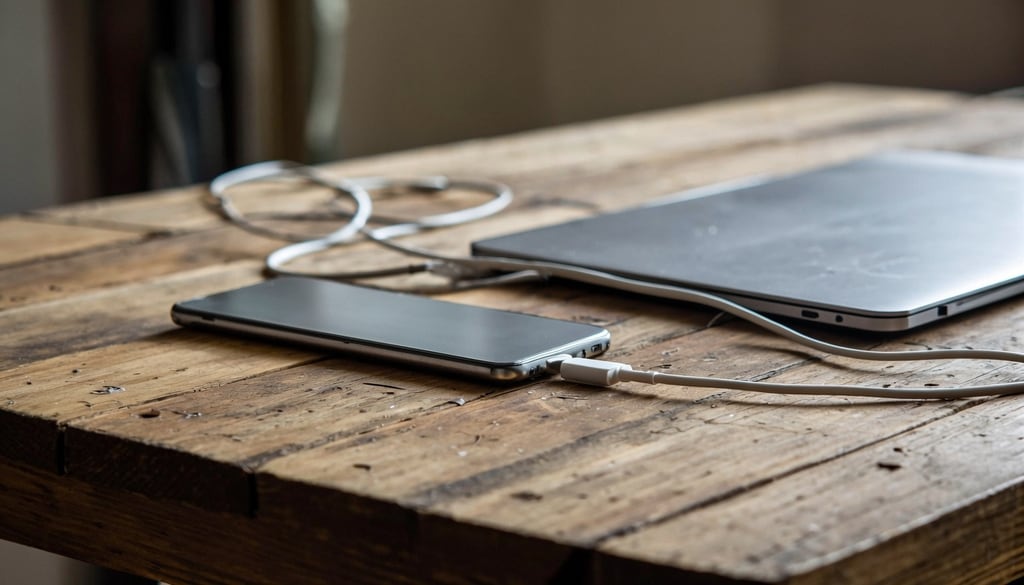
Find out why your phone gets hot while charging and how to fix it.
Photo Credit: iStock
Some Phone Charging Accessories You May Like
1. HAMMER Type C to Type C Cable 65W Braided, PD Fast Charging
2. Ambrane Unbreakable 60W Fast Charging 1.5M Braided Type C to Type C Cable for Smartphones
3. XIAOMI Mi Type C Cable - 22.5W PD Fast Charging
4. Belkin Apple Certified USB-C to USB-C Cable 1M, 60W
5. USB to Type C Fast Charging Cable 0.25m Short Cable for Power Bank
6. Samsung EP-DG930IBEGIN Type C USB Cable
7. boAt Type A to C 65W Fast Charging Cable with 480 Mbps Data Transfer
8. One Plus Fast 80W Original USB Type C Data Sync Fast Charging Charger Cable
If your phone overheats while charging, it's important to address the issue quickly to prevent battery damage and maintain your device's performance. Simple steps like removing the phone case, using an original charger, avoiding heavy apps while charging, and keeping the device in a cool place can often solve the problem. However, if overheating happens frequently even after trying these fixes, it could indicate a battery, charger, or hardware issue that requires professional attention. Taking care of your phone's charging habits can help extend its lifespan and keep it running safely and efficiently.
Frequently Asked Questions (FAQs)
1. Can a phone get warm while charging?
Absolutely. A mild, comfortable warmth is completely normal, especially if you are using a modern fast-charging brick. But if it feels uncomfortably hot to hold in your bare hand, that's your cue to unplug it.
2. Does fast charging cause overheating?
Fast charging definitely generates more heat than the old-school, slow chargers because it shoves more power into the battery much faster. That said, as long as your phone and charger are working correctly, the built-in safety features should keep that heat at a perfectly safe level.
3. Is it safe to use my phone while charging?
For basic stuff like shooting off a quick text or scrolling through an article, you're totally fine. But you definitely want to avoid heavy tasks like playing high-end games, streaming movies, or hopping on long video calls, as those will heat things up fast.
4. Can a damaged cable make my phone overheat?
Yes, big time. Worn-out or broken wires can cause shorts, erratic power delivery, and high electrical resistance, all of which generate excessive heat right around your phone's charging port.
5. When should I get my phone checked by a technician?
If your phone is constantly running hot, if you notice the back panel bulging even a tiny bit, or if the device keeps shutting itself down due to temperature warnings, stop using it and take it to a professional immediately.
(Disclaimer: This article may include references to or features of products and services made available through affiliate marketing campaigns. NDTV Convergence Limited (“NDTV”) strives to maintain editorial independence while participating in such campaigns. NDTV does not assume responsibility for the performance or claims of any featured products or services.)