How Much Laptop Storage Do You Actually Need For College Work?
Confused about how much laptop storage you need for college? Here's a simple breakdown to help you pick the right storage size without overspending at all.

How Much Laptop Storage Do You Actually Need For College Work?
Every college season, the same question pops up in a hundred WhatsApp groups and Reddit threads. Someone's about to buy a new laptop, and they freeze at the storage dropdown. 128GB? 256GB? 512GB? The prices jump around so much that it starts to feel like a trap. But storage isn't really about picking a "safe" number. It's about knowing what you'll actually be doing on the laptop for the next three or four years. A design student and a commerce student don't need the same thing, not even close.

Find the perfect college laptop storage size without overspending by using this simple breakdown.
Photo Credit: iStock
This guide will walk you through exactly how much space different kinds of college work eat up, so you stop guessing and start deciding with actual numbers in hand.
What Actually Takes Up Space On A Student's Laptop
Most people think it's just "files" that fill up a laptop. Not true at all. The operating system itself, Windows especially, can quietly take up 20 to 30 GB right out of the box, before you've even installed a single app.
Then there's software. Examples of software that may be installed include browsers, PDF readers, Zoom, MS Office, and possibly Python or MATLAB if you're in engineering. These aren't huge individually, but they stack up fast. Add in cached files, temporary downloads, and system updates, and you'll find 40 to 50GB gone before your actual coursework even begins.
1. Operating System And Pre-Installed Apps
Windows 11 alone can occupy close to 25GB after updates are applied. Mac users get a bit of a break here since macOS is comparatively lighter, usually sitting around 15GB.
2. Everyday Software And Tools
Office suites, browsers with extensions, and note-taking apps like Notion or OneNote – these together can use another 10 to 15GB, depending on how many you install.
Storage Needs By Course Type
This section provides specific details that many people tend to overlook when making a purchase.
1. Arts, Commerce, And Humanities Students
If your work is mostly Word documents, PDFs, PowerPoint presentations, and research papers, you're in the lightest category. A semester's worth of notes and assignments rarely crosses 5GB. Even four years of accumulated files, including scanned notes and reference PDFs, might stay under 40GB total.
2. Engineering And Computer Science Students
Now the situation changes fast. Coding projects themselves are tiny, a few MBs here and there. But the software around them isn't. Android Studio alone can take 10GB with its emulators. Visual Studio, Unity, or any IDE with SDKs attached will eat storage aggressively.
3. Design, Architecture, And Media Students
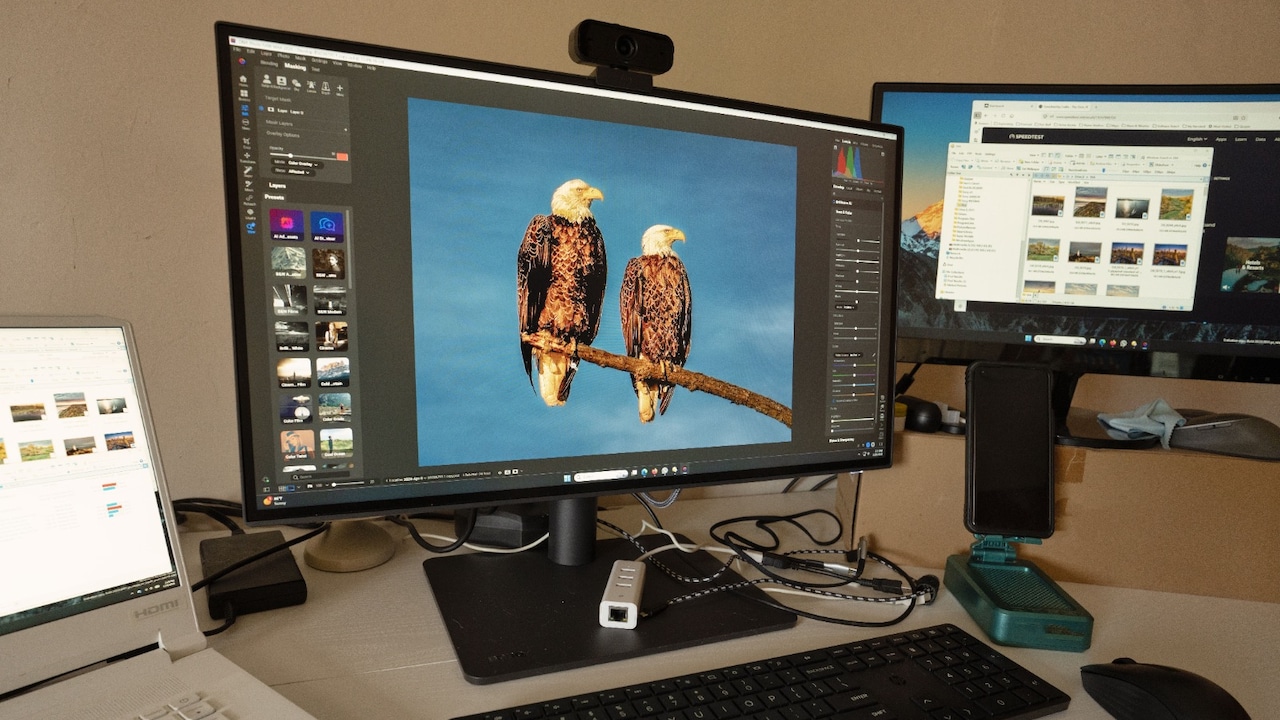
This group needs the most room, no question. A single Photoshop project file with layered PSDs can hit 500MB to 1GB. Video editing projects are worse, raw footage for one short college assignment can run into tens of gigabytes.
4. Science And Data-Heavy Courses
Students working with datasets, lab simulations, or statistical software like SPSS or R often underestimate the workload. Research datasets, especially in biology or environmental science, can balloon into several GB per project.
How Much Is Actually Enough?
Let's simplify this without the jargon.
1. If You're In Arts, Commerce, Or General Humanities
256GB is genuinely enough for you. If you're disciplined about clearing downloads and using cloud storage for old semester files, you could even manage with 128GB, but 256GB provides ample space without stress.
2. If You're In Engineering, CS, Or IT
Go for 512GB minimum. Using multiple IDEs, running virtual machines, and accumulating project files will force you to constantly delete items if you have anything less than 512GB by the second year.
If your budget allows, 1TB removes this worry entirely, especially useful once you start working with larger datasets or multiple coding environments side by side.
3. If You're In Design, Film, Or Architecture
Don't go below 512GB or 1TB. Raw project files, exported renders, and video assignments pile up faster than most students expect in their first year.

Discover exactly how much laptop storage you need for college with this easy breakdown guide.
Photo Credit: iStock
Some Laptop Options You May Like
1. Acer One 14
2. Lenovo IdeaPad Slim 3
3. ASUS VivoBook 15
4. HP 15 Smartchoice
5. Dell Inspiron 15
6. Lenovo V15
7. Samsung Galaxy Book4
8. MSI Modern 14
A quick point that often gets ignored in this whole conversation. The type of storage matters just as much as the size.
SSDs are faster, quieter, and far more durable for a laptop that's getting carried around campus daily. An older 1TB HDD laptop will actually feel slower in daily use than a newer 256GB SSD one. For college work involving multitasking, quick boot times, and software that loads instantly, SSD is the non-negotiable part, not the storage size.
Also worth knowing, many current laptops don't allow easy storage upgrades later, particularly ultrabooks and MacBooks. So buying slightly more than you think you need today often works out cheaper than upgrading or replacing the whole laptop two years down the line.
Frequently Asked Questions (FAQs)
1. Is 256GB storage enough for a college laptop?
For most arts, commerce, and general humanities students, yes, 256GB comfortably covers four years of coursework, especially with some cloud backup for older files.
2. Should I buy an SSD or HDD laptop for college?
Undoubtedly, it should be an SSD because a laptop with an SSD will be much faster and more reliable.
3. Can I add more storage to my laptop later if I run out?
This decision depends on your laptop model. Most laptops allow storage expansion, but some have soldered storage that can't be changed.
4. Do engineering students need more storage than other courses?
In general, yes, due to IDE, VM, and other programs which occupy more disc space than regular documents or PowerPoint presentations.
5. Is cloud storage a viable alternative to buying a bigger laptop?
It helps a lot, especially for old semester files you don't need daily, but for active project work, having decent local storage still makes things smoother and faster.
(Disclaimer: This article may include references to or features of products and services made available through affiliate marketing campaigns. NDTV Convergence Limited (“NDTV”) strives to maintain editorial independence while participating in such campaigns. NDTV does not assume responsibility for the performance or claims of any featured products or services.)