Headphone Mistakes That Can Reduce Battery Life And Damage Ear Cushions
Avoid common headphone habits that drain battery life and damage ear cushions. Smarter charging, cleaning and storage can keep your headphones comfortable, reliable and long-lasting.
Headphone Mistakes That Can Reduce Battery Life And Damage Ear Cushions
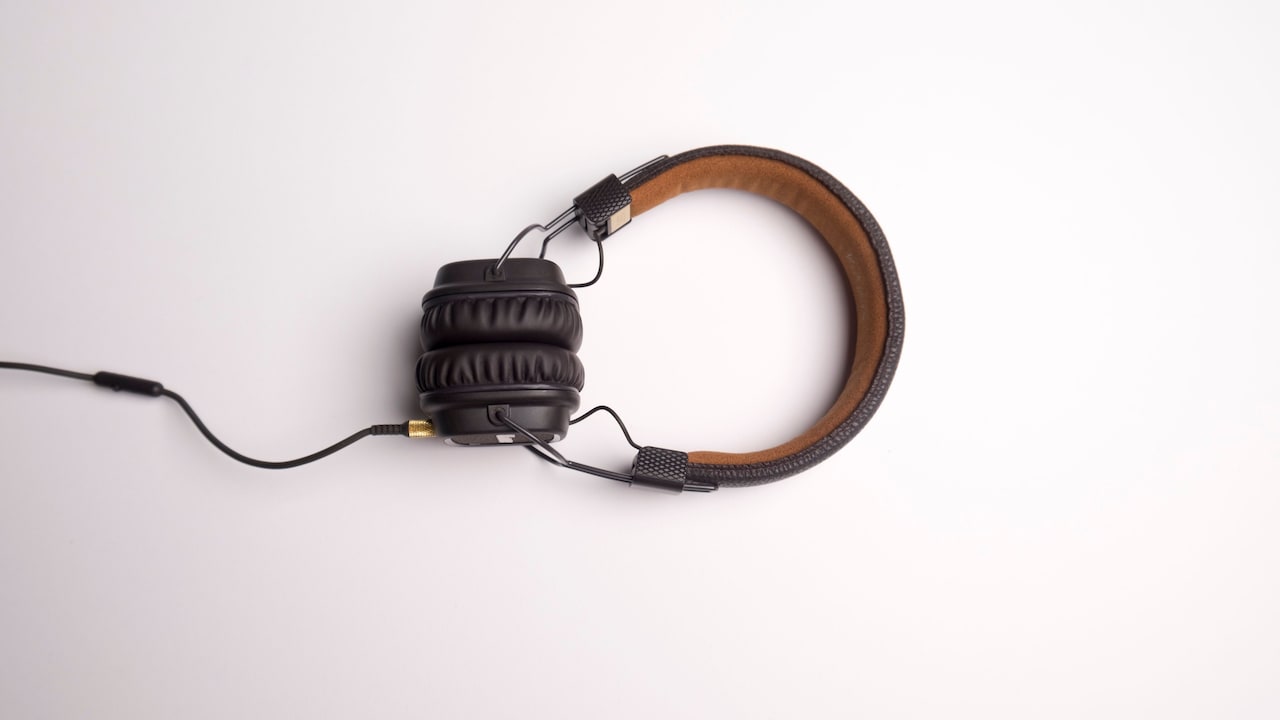
A good pair of headphones can feel like a small escape from a noisy day. They turn a crowded metro ride into a private concert, make online meetings easier to follow and bring films alive without disturbing the entire household. That comfort, however, can disappear faster than expected when the battery starts draining within hours, or the ear cushions begin peeling like old wall paint. Many people blame poor manufacturing when this happens. Sometimes the product may indeed have a fault, but daily handling often causes more damage than expected. Headphones face sweat, heat, dust, pressure and constant charging. They get tossed into backpacks beside keys, lunch boxes and charging cables. They remain plugged in overnight or sit near sunny windows for hours.
Headphone Mistakes That Can Reduce Battery Life And Damage Ear Cushions
Photo Credit: Pexels
Most of these habits seem harmless because the damage does not appear immediately. Battery performance falls slowly. Cushion material cracks little by little. By the time the problem becomes obvious, repairs may cost a fair chunk of the original price.
A few simple changes can keep headphones comfortable, clean and dependable for much longer. The following mistakes deserve particular attention.
Common Headphone Habits That Cause Lasting Damage
1. Charging Headphones For Far Too Long
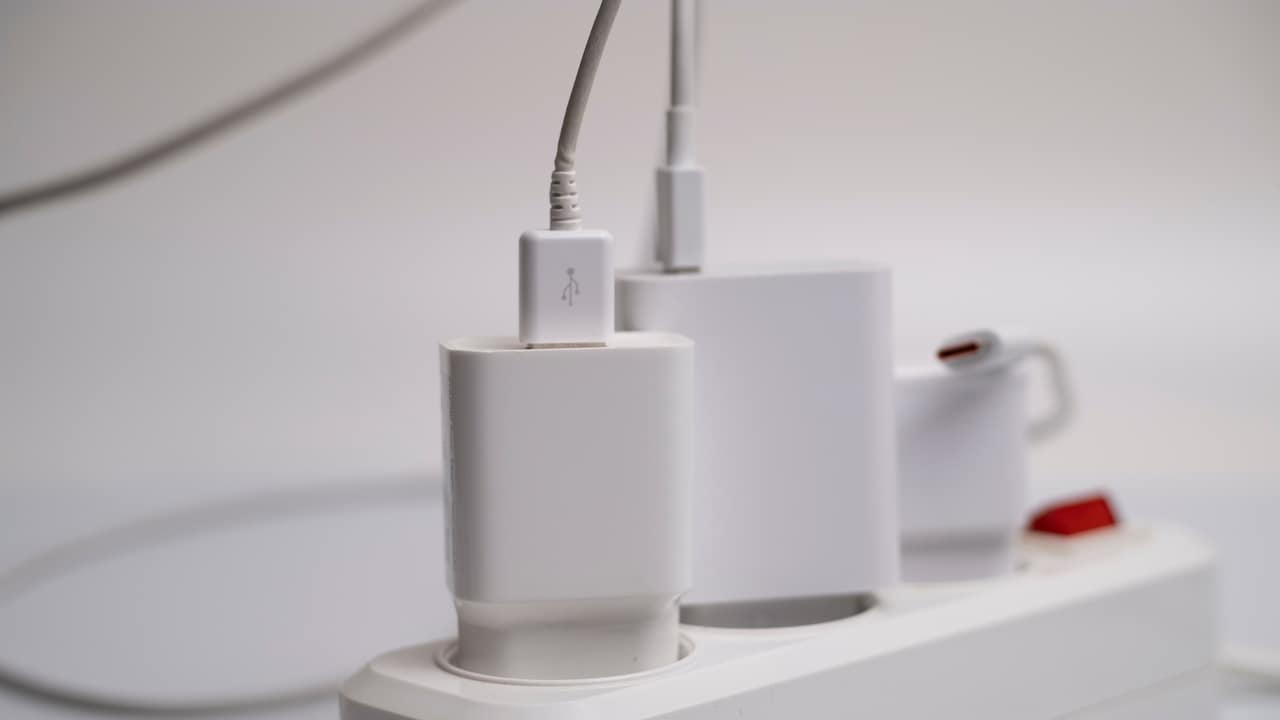
Leaving headphones connected to a charger overnight may feel convenient, especially after a tiring day. Modern devices usually contain systems that reduce charging once the battery reaches full capacity. Even so, keeping headphones plugged in for long periods can expose the battery to unnecessary heat and repeated small charging cycles.
Heat causes greater concern than the charger itself. A pair placed under a pillow, inside a closed drawer or near other warm electronics cannot release heat properly. The battery may gradually lose its ability to hold charge, which means more frequent trips to the socket later.
Charge headphones on a flat, open surface instead. Disconnect them after the battery reaches a comfortable level rather than treating every charge like a mission to reach exactly 100 per cent. A quick charge before leaving home often works better than an eight-hour overnight session.
Using a timer plug can also help forgetful users. It may sound excessive for a pair of headphones, but replacing a damaged battery can cost ₹1,000 or more, depending on the model. A little attention today can save both money and frustration tomorrow.
2. Using The Wrong Charger Or Cable
That random cable lying near the television may fit the charging port, but compatibility involves more than shape. Cheap, damaged or poorly made cables can deliver unstable power. The headphones may charge slowly, heat up or stop charging without warning.
Fast chargers deserve extra care. Some headphones manage higher power safely, while older or budget models may not handle it well. The device usually draws only the power it needs, but poor-quality charging accessories can still create voltage fluctuations and excess heat.
Use the original cable whenever possible. When that cable disappears into the mysterious household drawer where chargers go to retire, choose a reliable replacement from a known brand. Check the recommended voltage and current in the manual or on the manufacturer's support page.
Frayed cables should leave service immediately. Wrapping electrical tape around a broken section may work for a day, but it does not turn the cable into a safe long-term solution. A replacement cable might cost ₹300 to ₹800, while damage to the charging port or battery can cost far more.
Charging accessories rarely receive much attention, yet they play a major role in battery health.
3. Letting The Battery Drain Completely Every Time
Some people still believe batteries should reach zero before charging. That idea made more sense with older battery technologies. Most wireless headphones now use lithium-based batteries, which generally perform better with partial charging.
Repeatedly draining the battery until the headphones switch off can place extra strain on the cells. Over time, the battery may lose capacity and begin dropping from 40 per cent to zero with surprising speed. Nothing ruins a train journey quite like hearing the low-battery warning five minutes after finding the perfect playlist.
Try charging the headphones before the level falls below roughly 20 per cent. There is no need to panic at 19 per cent, but frequent deep discharges can reduce long-term performance. Smaller top-ups during the week often work better than one dramatic rescue charge on Sunday night.
Headphones stored for several weeks also need some power. Leaving them completely empty in a drawer can push the battery into a deeply discharged state. Charge them to around half capacity before storage and check them occasionally.
Healthy charging habits may not feel exciting, but neither does carrying silent headphones through a two-hour commute.
4. Charging In Hot Rooms Or Direct Sunlight
Batteries dislike extreme heat, and ear cushions dislike it just as much. Charging headphones on a car dashboard, beside a sunny window or near a kitchen appliance can age both components faster.
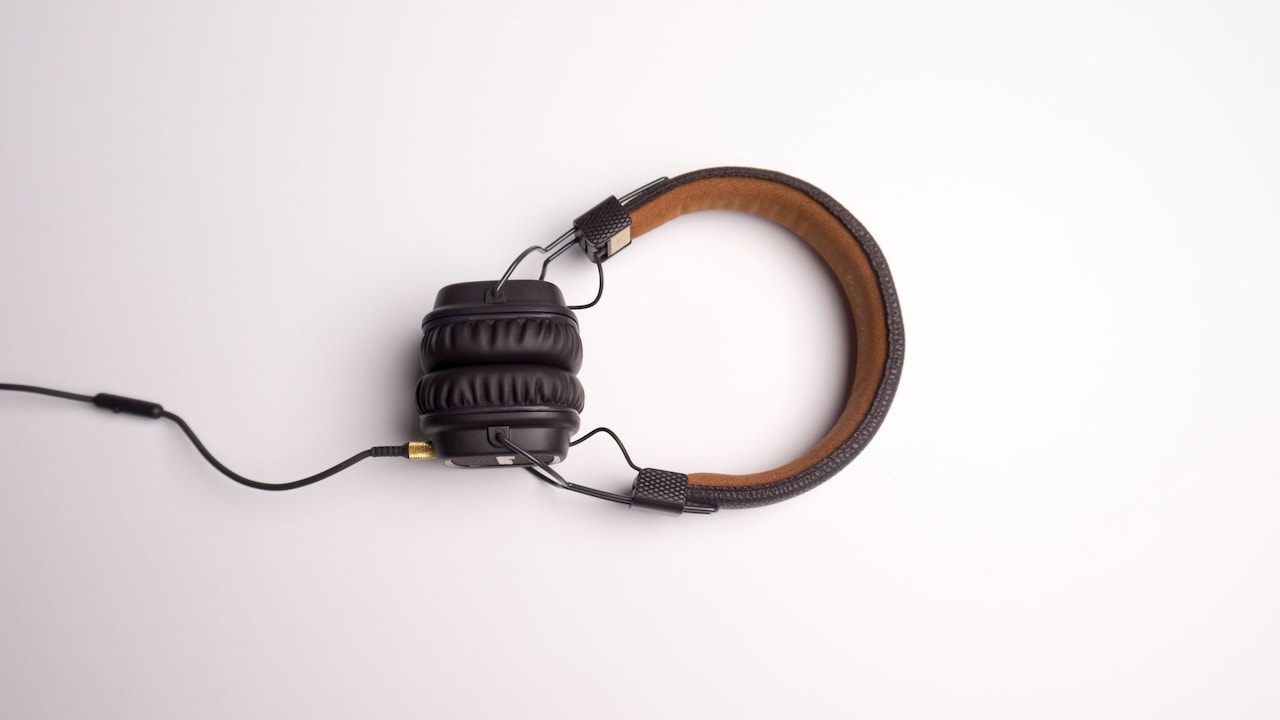
High temperatures can cause the internal battery to degrade, swell or lose capacity. At the same time, synthetic leather cushions may dry out and crack. Adhesive around the padding can weaken, allowing the covering to separate from the foam.
A parked car becomes especially dangerous during hot months. Even if the outside weather feels manageable, the inside temperature can rise quickly. Leaving headphones there for an afternoon may do more harm than months of normal use.
Charge and store headphones in a cool, shaded and ventilated area. Avoid placing them directly beside laptops that release warm air. Do not cover them with clothes while charging, even when the room looks untidy and guests are arriving.
Heat damage often goes unnoticed until the battery begins behaving strangely or the cushions start flaking onto the ears. By then, replacement cushions may cost ₹700 to ₹2,000, depending on the brand. A shady shelf remains much cheaper.
Headphone Mistakes That Can Reduce Battery Life And Damage Ear Cushions
Photo Credit: Pexels
5. Wearing Headphones With Wet Hair
Freshly washed hair and a favourite podcast may seem like a harmless combination. Unfortunately, damp hair transfers moisture directly to the headband and ear cushions. That moisture mixes with body heat and creates an unpleasant environment for foam, fabric and synthetic leather.
Repeated exposure can soften adhesives, encourage unpleasant smells and cause the cushion surface to peel. Fabric ear pads may remain damp for hours, especially during humid weather. Moisture can also reach internal components through seams or microphone openings.
Wait until the hair feels properly dry before wearing over-ear headphones. When time feels short, use earphones temporarily or place a clean, dry cloth between the headband and hair. That may not look glamorous, but neither do black flakes stuck near the ears during a video call.
If the cushions become damp, wipe them gently and leave the headphones in a ventilated room. Avoid using a hairdryer because direct heat can damage the material. Do not place them inside a closed case until fully dry.
Headphones already deal with enough sweat during long listening sessions. Adding wet hair only turns their working day into an unwanted monsoon.
Also Read: Amazon Deals On Premium Headphones: Audio Upgrades For Work, Travel And Everyday Listening
6. Ignoring Sweat After Workouts
Wireless headphones often join morning walks, gym sessions and evening runs. Sweat, however, contains salt and moisture that can damage cushion material, stitching and electronic contacts.
Leaving sweaty headphones untouched allows residue to dry on the surface. Over time, the cushions may become stiff, discoloured or cracked. The smell can also become difficult to remove, particularly when moisture reaches the inner foam.
Wipe the ear cushions and headband after each workout with a soft, slightly damp cloth. Then use a dry cloth to remove remaining moisture. For stubborn grime, follow the manufacturer's cleaning instructions rather than reaching for strong household cleaners.
Removable cushions should come off occasionally for deeper cleaning, provided the design allows it. Never soak them unless the manufacturer clearly says they are washable. Foam absorbs water quickly and dries slowly.
People who exercise daily may benefit from separate sports earphones with proper water-resistance. Reserving expensive over-ear headphones for travel, work and relaxed listening can extend their life considerably.
Sweat damage does not arrive with dramatic warning signs. It appears as a faint smell, a rough patch and then a cushion that suddenly starts peeling during a favourite song.
7. Cleaning Ear Cushions With Harsh Chemicals
Sanitiser became a regular household item, but it does not belong on every surface. Alcohol-heavy liquids, perfume, glass cleaner and strong disinfectants can strip protective coatings from headphone cushions.
Synthetic leather reacts particularly badly to harsh chemicals. The surface may lose its softness, become sticky or develop tiny cracks. Once the top layer weakens, peeling often follows. Fabric cushions can also lose colour or retain chemical smells.
Use a soft microfibre cloth lightly dampened with water for routine cleaning. A small amount of mild soap may help with greasy marks, but the cloth should never drip. Wipe gently rather than scrubbing as though removing stains from a railway platform bench.
Cotton buds can clean narrow edges, although they should not push dirt deeper into openings. Allow every part to dry naturally before using or storing the headphones.
Cleaning once every few days works better than waiting until dirt builds up. Regular care requires less pressure and fewer cleaning products.
The goal is to remove sweat and dust without attacking the material itself. Ear cushions may look sturdy, but many have the emotional resilience of a biscuit dipped in hot tea for too long.
8. Stuffing Headphones Into Overcrowded Bags
A backpack packed with books, chargers, lunch boxes and water bottles can become a dangerous place for headphones. Pressure bends the headband, compresses the foam and rubs the cushions against rough objects.
Repeated compression prevents memory foam from returning to its original shape. The cushions may flatten unevenly, reducing comfort and sound isolation. Sharp items such as keys, pens or metal zips can scratch or puncture the outer covering.
Use a protective case whenever possible. A hard case offers the best protection, but even a padded pouch helps. Foldable headphones should follow their intended folding mechanism. Twisting the ear cups in the wrong direction can damage hinges and internal wires.
Avoid wrapping the charging cable tightly around the headband. The pressure can leave marks on the cushion material, while the cable itself may weaken near the connector.
When space feels limited, place the headphones near the top of the bag rather than underneath heavy items. Carrying a protective case may add some bulk, but replacement cushions and broken hinges create far greater inconvenience.
A crowded bag should not turn into a wrestling ring where headphones lose every match.
9. Storing Headphones Without Cleaning Them
Putting headphones away immediately after use traps sweat, skin oils and dust against the cushions. A closed case then creates a warm, enclosed environment where odours and material damage can develop.
A quick wipe before storage makes a noticeable difference. Clean the surfaces with a dry microfibre cloth and allow any moisture to evaporate. If the headphones were used outdoors during hot weather, leave them in an open, shaded area for a few minutes before closing the case.
The case also needs cleaning. Dust, crumbs and tiny bits of debris collect inside it over time. Those particles rub against the cushions whenever the case moves. Empty and wipe the case regularly, especially when it spends most days inside a backpack.
Do not store headphones beside incense sticks, perfume bottles or oily cosmetics. Strong fragrances may settle into fabric cushions, while leaks can permanently damage the surface.
For long-term storage, keep the battery partly charged and choose a dry cupboard away from sunlight. Add a small silica gel packet if the area feels humid, but keep the packet intact and away from children.
Storage should protect the headphones, not quietly continue the damage after the music stops.
10. Stretching The Headband Too Far
Tight headphones can feel uncomfortable, so stretching the headband over a stack of books may seem like a clever fix. A small, controlled adjustment sometimes helps, but excessive stretching can weaken the frame and place uneven pressure on the ear cushions.
Plastic headbands may develop stress cracks. Metal bands can lose their original shape. Hinges may also loosen when the headphones remain stretched for hours or days. Once the clamping force changes unevenly, one cushion may press harder than the other and wear out faster.
Adjust the headband gradually using its built-in extension points. When the fit still feels too tight, place the headphones over a slightly wider object for short periods rather than forcing them open dramatically. Check the result often.
Hanging headphones on a very wide stand can cause the same problem. Choose a stand that supports the headband without pulling the ear cups apart. Narrow hooks can also leave dents in padded headbands, so a broad, curved support works better.
Comfort matters, but stretching should never become a strength test. Headphones are designed to survive daily movement, not audition for a yoga class.
Headphone Mistakes That Can Reduce Battery Life And Damage Ear Cushions
Photo Credit: Pexels
Products Related To This Article
1. Boat Rockerz Plus 550, Customizable Earcups, 100H Battery
2. Sony WH-CH720N Active Noise Cancellation Wireless Bluetooth Over Ear Headphones with Mic
3. Sennheiser ACCENTUM Wireless Noise Cancelling, 50 Hours Battery Life
4. OneOdio A70 Bluetooth Over Ear Headphones
5. pTron Studio Evo 70hrs Playtime Wireless Over Ear Headphones with HD Mic
6. Boat Rockerz 411, 40Ms Low Latency, 40Hrs Battery
7. Noise Airwave Max 5 Wireless Over-Ear Headphones with Adaptive Hybrid ANC
Headphones rarely fail because of one spectacular mistake. Their condition usually declines through small habits repeated over months: charging in hot places, ignoring sweat, using rough cleaners or crushing them inside packed bags.
The good news is that prevention requires very little effort. Sensible charging protects the battery. Gentle cleaning preserves the ear cushions. Dry storage, careful handling and a proper case help the entire headset last longer.
These changes also improve everyday comfort. Clean cushions feel softer, hold their shape and smell fresher. A healthy battery removes the constant worry of running out of power during a meeting, journey or film.
Quality headphones can cost several thousand rupees, so treating them as disposable accessories makes little sense. A minute of care after use can prevent an early replacement and keep a trusted pair sounding good for years.
The next time the headphones come off, resist the urge to throw them onto the bed or bury them in a bag. Wipe them, store them properly and charge them thoughtfully. Small habits may not look impressive, but they often separate a long-lasting gadget from an expensive piece of drawer decoration.
(Disclaimer: This article may include references to or features of products and services made available through affiliate marketing campaigns. NDTV Convergence Limited (“NDTV”) strives to maintain editorial independence while participating in such campaigns. NDTV does not assume responsibility for the performance or claims of any featured products or services.)