Does A High-Wattage Car Charger Always Deliver Full Speed? 10 Charging Myths Explained
A high-wattage figure doesn’t guarantee faster charging. The phone, cable, charging standard, vehicle socket, heat, and power sharing all determine the speed.
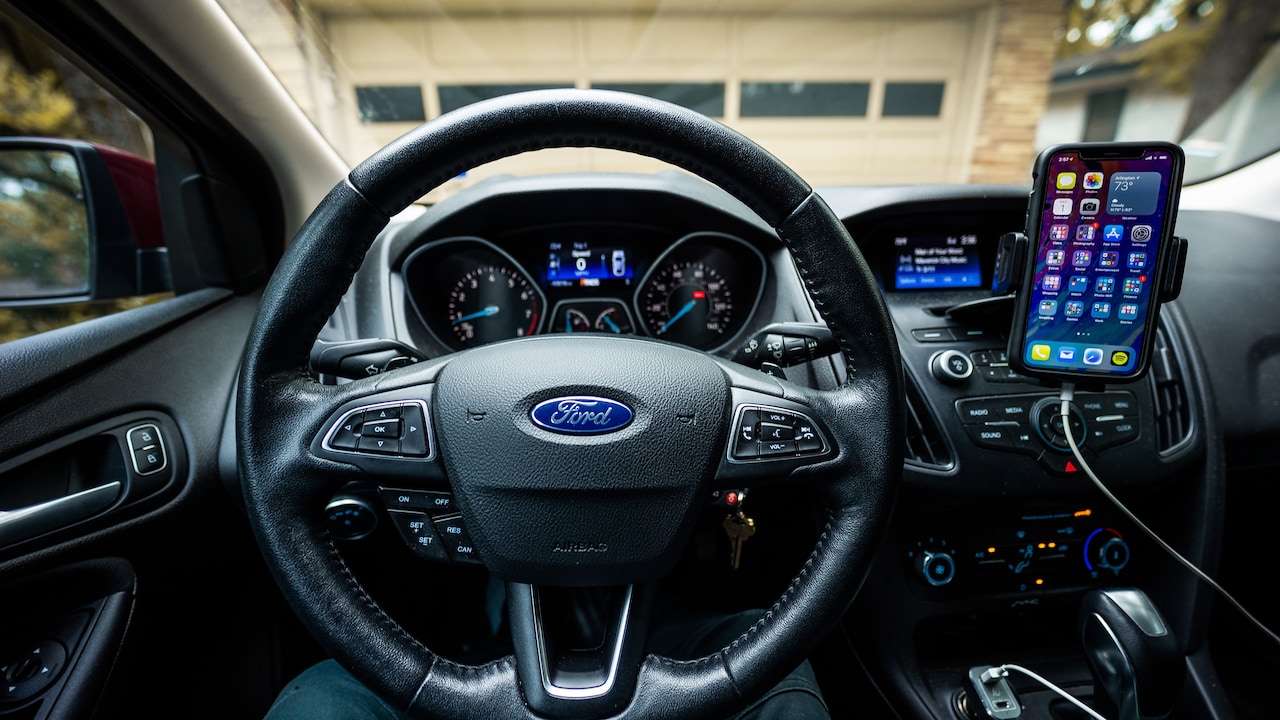
Reality about car chargers and how to choose the right one
A car charger promising 65W, 100W or even more can look like a tiny powerhouse. Plug it into the dashboard socket, connect the phone and the battery should race from red to green, or so the packaging suggests. In practice, the charging symbol may appear while the estimated time barely changes. Add navigation, music and a bright screen, and the battery percentage might climb at the speed of peak-hour traffic. That doesn't always mean the charger is faulty. Charging speed depends on a conversation between the charger, cable, device and vehicle. If one of them cannot support the requested power or charging protocol, the entire setup slows down. Heat, shared ports and an ageing socket can interfere as well.
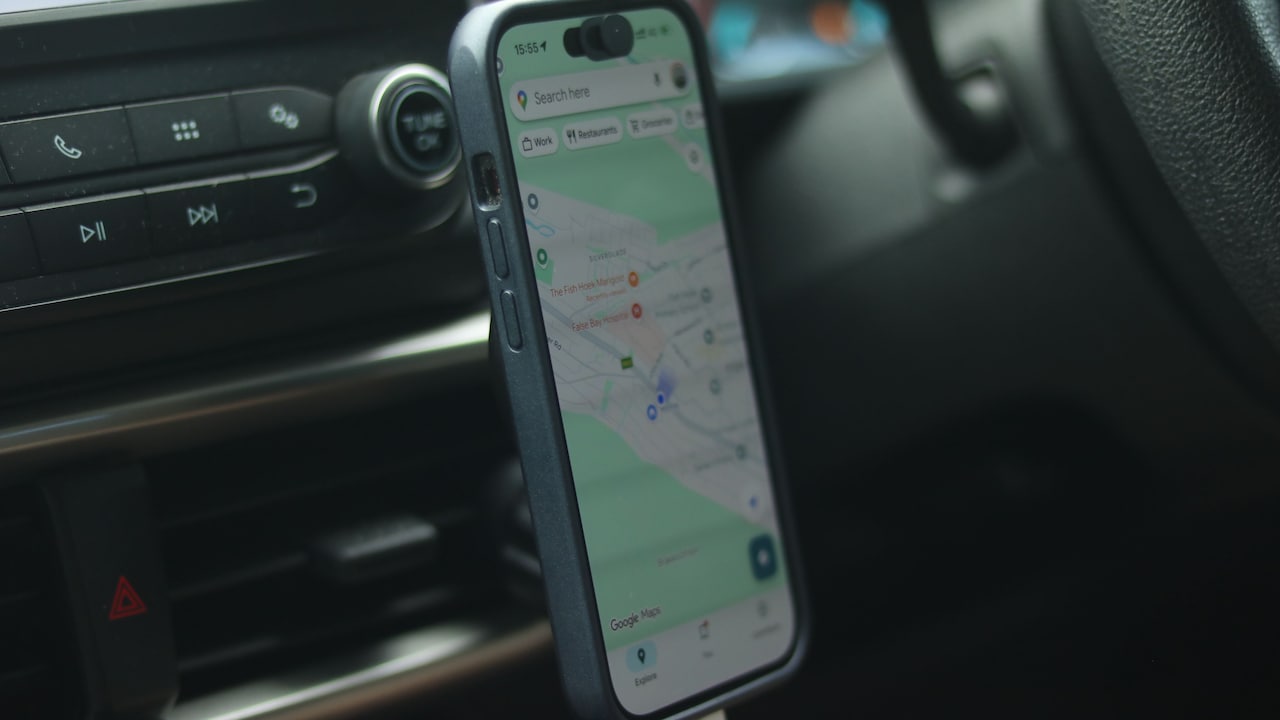
Myths to know about car chargers before buying one
Photo Credit: Pexels
Understanding these limitations helps when choosing a charger for daily commutes, road trips or emergency top-ups. It also prevents an impressive wattage label from becoming the only buying criterion. Here are ten common car-charging myths that deserve a closer look.
Also Read: Drop, Charge, And Go: 5 Charging Pads For A Clutter-Free Setup
10 Car-Charging Myths That Could Be Slowing You Down
1. Higher Wattage Always Means Faster Charging
The wattage printed on a car charger shows its maximum possible output under suitable conditions. It doesn't promise that every connected phone will receive that amount. A 100W charger won't force 100W into a device designed to accept only 25W. The phone controls how much power enters its battery and requests only what its charging system can safely handle.
This explains why replacing a 30W charger with a 65W model may not reduce charging time. If the phone peaks at 25W, both chargers may perform almost identically. The higher-capacity model still offers value when charging a laptop, tablet or several devices, but it cannot override the phone's limit.
Charging speed also falls naturally as the battery fills. A phone may draw its highest supported power at a lower charge level and then slow down near 80 or 90 per cent. Manufacturers use this approach to manage heat and protect battery health. Wattage matters, but compatibility and device limits matter just as much. Think of it as the size of a water tank: a narrow pipe still controls how quickly the water reaches the glass.
2. The Number On The Box Applies To Every Port
A multi-port car charger may advertise 100W in bold lettering, yet that figure often represents the charger's combined output or the maximum available through one particular port. It doesn't necessarily mean every port can deliver 100W simultaneously.
Port labels and output specifications reveal the real arrangement. One USB-C port may provide up to 65W when used alone, while a second port offers 30W. Connect two devices and the charger may divide its total capacity, reducing the first port to 45W and assigning the remaining power elsewhere. The exact split varies between models.
This power reshuffling can make charging speeds change the moment a passenger plugs in another phone. A laptop that was charging comfortably may suddenly show a slow-charger warning. Meanwhile, the second device may receive only basic charging.
Before buying, check the output available from each port both individually and during simultaneous use. A good charger should explain its power distribution clearly. The large front-facing wattage number attracts attention, but the smaller output chart tells the useful story. It's a little like a family-sized meal, the total quantity sounds generous until everyone takes a serving.
3. Any USB Cable Can Carry The Charger's Full Power
A charging cable can quietly become the weakest part of an otherwise powerful setup. Cables differ in the amount of current and power they can safely carry. An old, damaged or basic cable may restrict a high-wattage charger, even when the phone and charger support faster charging.
Some USB-C cables suit everyday phone charging but cannot handle the higher power required by laptops and certain tablets. Higher-power USB-C connections may also rely on an electronically marked cable. This identification allows compatible devices and chargers to confirm the cable's capabilities before increasing power.
Cable condition matters too. Constant bending near the connector, storage in a hot glove compartment and rough removal can damage internal wires. Charging may become slow, intermittent or unusually warm long before the outer covering splits.
Use a cable rated for the device's charging requirement and the charger's intended output. When troubleshooting slow charging, swap the cable before blaming the adapter. Choose a short, well-made cable from a dependable manufacturer and avoid suspiciously cheap options with vague specifications. A powerful charger paired with a poor cable resembles a sports car stuck behind a handcart: the potential exists, but it isn't going anywhere quickly.
4. All Fast-Charging Standards Work In The Same Way
“Fast charging” acts as an umbrella term rather than one universal technology. Phones and chargers use different charging standards to communicate power requirements. A charger may offer plenty of wattage but fail to activate a device's quickest charging mode because the two products don't speak the same technical language.
USB Power Delivery has become common across phones, tablets and laptops. Some devices also require PPS, a feature that adjusts voltage and current in smaller steps. Other brands use proprietary systems that may need a matching charger and cable. Without the correct protocol, the device usually falls back to a slower, widely compatible charging level.
This is why one phone may display “super-fast charging” while another shows only “charging” when connected to the same port. The charger hasn't necessarily developed a mood. It may simply support one device's preferred standard more completely.
Look beyond the headline wattage and check the listed protocols. Match them with the phone, tablet or laptop's requirements. A slightly lower-wattage charger with the correct standard can outperform a more powerful but incompatible alternative. Charging isn't a shouting contest; it's a negotiation, and both sides need to understand each other.
5. A Car Socket Always Supplies Enough Power
The familiar 12V socket wasn't originally designed with laptops and high-powered smartphones in mind. It began life as a cigarette-lighter socket, and its performance can vary across vehicles. The socket, fuse, wiring and electrical system all influence how much power a car charger can use reliably.
Many vehicles can support modern high-wattage chargers without difficulty. However, older cars, worn sockets and poorly fitted aftermarket outlets may struggle. A loose connection can cause the charger to disconnect when the car crosses a pothole. Corrosion or dirt may increase electrical resistance and create excess heat.
The charger also needs to convert the vehicle's input into the voltage requested by the connected device. If the input becomes unstable, a well-designed unit may reduce output to remain safe. That can leave a supposedly powerful charger working below its headline rating.
Check the charger's input requirements and the vehicle manual before powering demanding equipment. Stop using the socket if the plug feels loose, produces a burning smell or becomes excessively hot. A charger should feel secure without requiring force. No one wants a routine battery top-up to turn into dashboard drama halfway through a family journey.
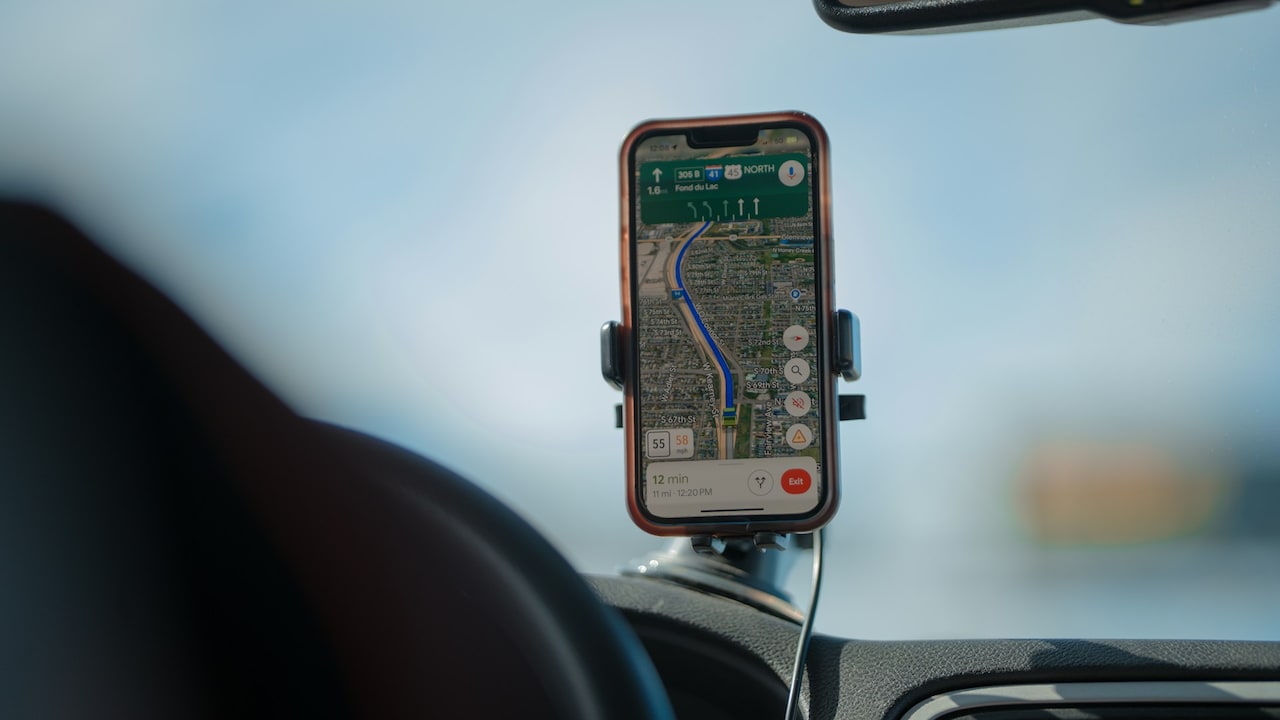
The car socket may not always supply enough power
Photo Credit: Unsplash
6. Starting The Engine Makes Charging Instantly Faster
Starting the engine can improve the electrical supply available in many vehicles because the alternator begins supporting the system. However, it doesn't automatically unlock the charger's maximum speed. The device, cable, protocol and charger remain the primary limits.
Charging with the engine off may draw power from the car's battery. Some vehicles disable the accessory socket after the ignition turns off, while others keep it active. If the socket remains powered, leaving devices connected for a long time can drain the vehicle battery. A short phone charge may have little effect on a healthy battery, but several gadgets, an older battery or an overnight connection can create trouble.
With the engine running, voltage may become more suitable for the charger. Even then, the phone won't accept more than its safe limit. A 25W phone remains a 25W phone, whether the car is parked, cruising smoothly or crawling behind a tractor.
For longer charging sessions, using the charger while the engine runs generally makes more sense. Avoid running the engine solely for charging inside an enclosed space. Also unplug accessories when leaving the vehicle unless the manual confirms that the socket switches off automatically.
7. Using Navigation Doesn't Affect Charging Speed
Navigation, video calls, music streaming and a bright display all consume power while the phone charges. The charger may deliver power quickly, but the battery receives only what remains after the phone supports its current workload.
Picture a handset mounted near the windscreen on a sunny afternoon. The screen stays bright, GPS works continuously, mobile data searches for a signal and the processor calculates directions. The phone may also stream a playlist through Bluetooth. These activities create heat and use energy, so the battery percentage can rise slowly even with a capable charger.
Heat makes the situation more noticeable. Phones often reduce charging power when internal temperatures climb. A dashboard position exposed to direct sunlight can therefore turn fast charging into a gentle trickle. The device protects itself, even if the driver would prefer a quicker top-up.
Place the phone away from harsh sunlight and direct a little cool cabin air towards it when practical. Remove a thick case if the device becomes unusually warm. Download maps before long journeys and reduce unnecessary background activity. The charger's speed should be judged with the phone resting, not while it performs half the duties of a co-driver.
8. Charging Speed Remains Constant From Zero To Full
Phones don't charge at one unchanging rate. Most begin cautiously at a very low battery level, accelerate during the middle portion and slow again as they approach full capacity. This controlled reduction, often called charging taper, helps limit heat and battery stress.
As a result, a high-wattage charger may appear impressively fast between roughly 20 and 60 per cent but much slower beyond 80 per cent. Waiting for the final few percentage points can feel strangely long, especially when everyone else is already sitting in the car. That delay doesn't prove that the charger has lost power.
Battery temperature, condition and software settings also influence the charging curve. Some phones use optimised charging features that pause or delay a full charge based on usage patterns. An ageing battery may accept power differently from a new one.
Compare chargers from a similar starting percentage and under similar conditions. A ten-minute test at 30 per cent offers more useful information than observing the phone at 95 per cent. For many journeys, charging to a practical level rather than chasing 100 per cent saves time and reduces unnecessary heat. The last stretch is often the slowest by design.
9. A Warm Charger Is Always Dangerous
Power conversion generates heat, so mild warmth doesn't automatically indicate a fault. Compact high-output chargers can feel noticeably warm when powering a laptop or several devices. The cabin temperature also contributes, particularly when the charger sits in direct sunlight.
There is, however, an important difference between warm and alarmingly hot. Stop using the charger if it becomes painful to touch, emits an unusual smell, discolours, crackles or repeatedly disconnects. Excessive heat may point to poor construction, an overloaded circuit, a damaged cable or a loose socket connection.
Cheap chargers sometimes advertise ambitious wattage without adequate heat management or safety protection. Saving ₹500 can feel sensible at checkout, but not when the adapter starts behaving like a miniature tandoor beside the gear lever. Look for clear electrical specifications, appropriate safety markings and protection against overcurrent, overvoltage, overheating and short circuits.
Keep the socket free from coins, dust and debris. Avoid covering the charger with bags or fabric, and don't leave it baking inside a parked car unnecessarily. Some warmth belongs to normal operation. Rapidly rising temperature, physical damage or a burning smell does not.
10. A High-Wattage Charger Can Damage Any Phone
A properly designed charger doesn't push its maximum wattage into every connected device. The phone and charger communicate before higher power becomes available. A low-power device requests what it can accept, while the charger supplies an appropriate amount. This makes a reputable 65W or 100W charger suitable for many less-demanding devices.
Problems become more likely with counterfeit products, damaged cables, poor socket connections or chargers that lack essential protective systems. Misleading labels can hide weak components and unstable power regulation. Physical fit matters as well. An adapter that rocks inside the socket may disconnect repeatedly, produce electrical arcing or generate excess heat.
Choose a charger from a dependable manufacturer and check whether its stated protocols suit the intended devices. Extremely low prices combined with enormous power claims deserve suspicion. Product details should explain port outputs, input range and built-in protections rather than relying on phrases such as “ultra turbo speed”.
Using a charger with more capacity than the phone needs can still be sensible. It leaves room for tablets, laptops and future devices. The extra wattage acts as available capacity, not an order the phone must obey. Quality and compatibility make high-power charging safe; a large number printed on cheap plastic does not.
Products Related To This Article
1. UNBREAKcable 120W 4 in 1 Retractable Car Charger,Car Phone Charger
2. Duracell 65W Fast Car Charger Adapter with Dual Output
3. GadgetBite VOLT Car Charger 120 Watt 4 in 1 Charger with Retractable Cables
4. boAt 55W Car Charger with Dual Port USB-A and USB-C
5. Ambrane 84W Triple Output Fast Car Charger with 2 Type-C
6. Portronics Car Power 30 Dual Output Fast Car Charger with 30W Type-C PD
7. Kratos 51W Fast Car Charger with Dual Output, 51 Watts Total
A high-wattage car charger can be useful, but wattage alone cannot guarantee full-speed charging. The phone's power limit, supported protocol, cable rating, port allocation, battery level and temperature all shape the result. The vehicle socket also needs to provide a stable connection.
Choose a charger by studying its per-port outputs and charging standards, then pair it with a capable cable. Keep the phone cool and remember that charging naturally slows near full capacity. Once every part of the setup works together, faster charging becomes far more dependable, and much less mysterious.
(Disclaimer: This article may include references to or features of products and services made available through affiliate marketing campaigns. NDTV Convergence Limited (“NDTV”) strives to maintain editorial independence while participating in such campaigns. NDTV does not assume responsibility for the performance or claims of any featured products or services.)