10 Reasons Wireless Charging Slows Or Stops When Your Phone Gets Hot
Wireless charging may slow or stop when your phone gets hot. From poor alignment and thick cases to heavy apps and fast charging, several factors can trigger heat protection and reduce charging speed.
10 Reasons Wireless Charging Slows Or Stops When Your Phone Gets Hot
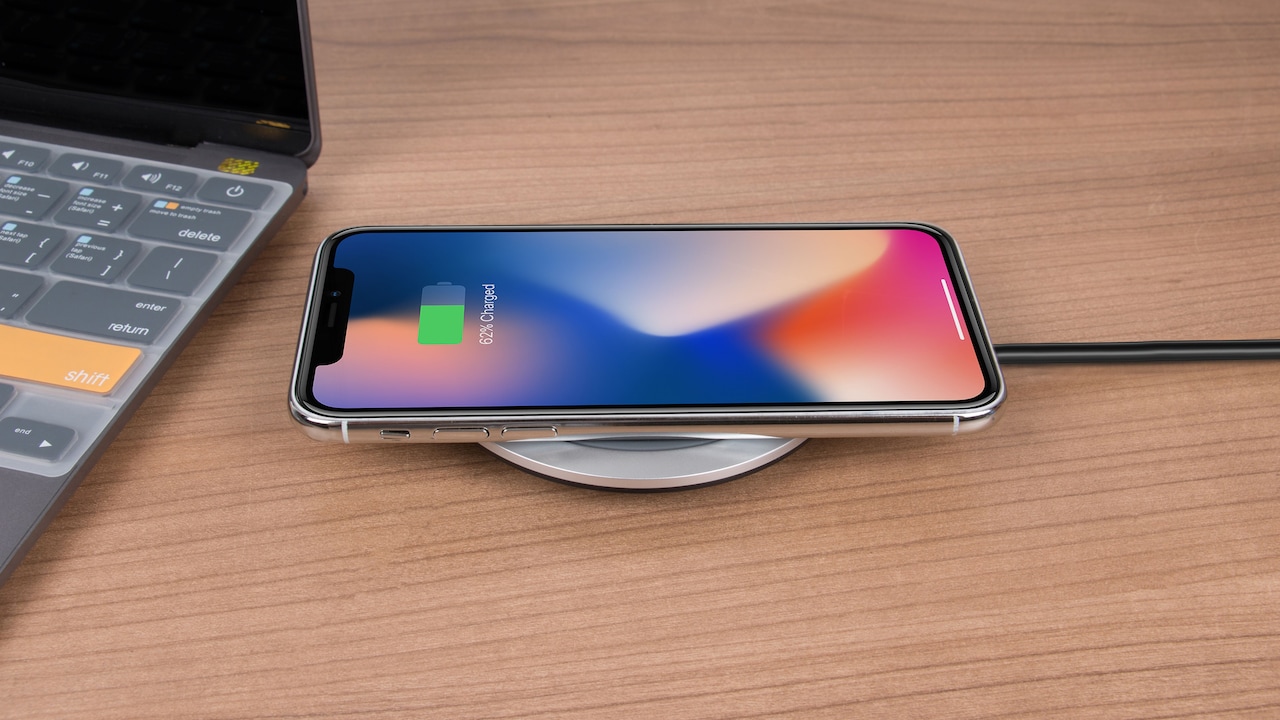
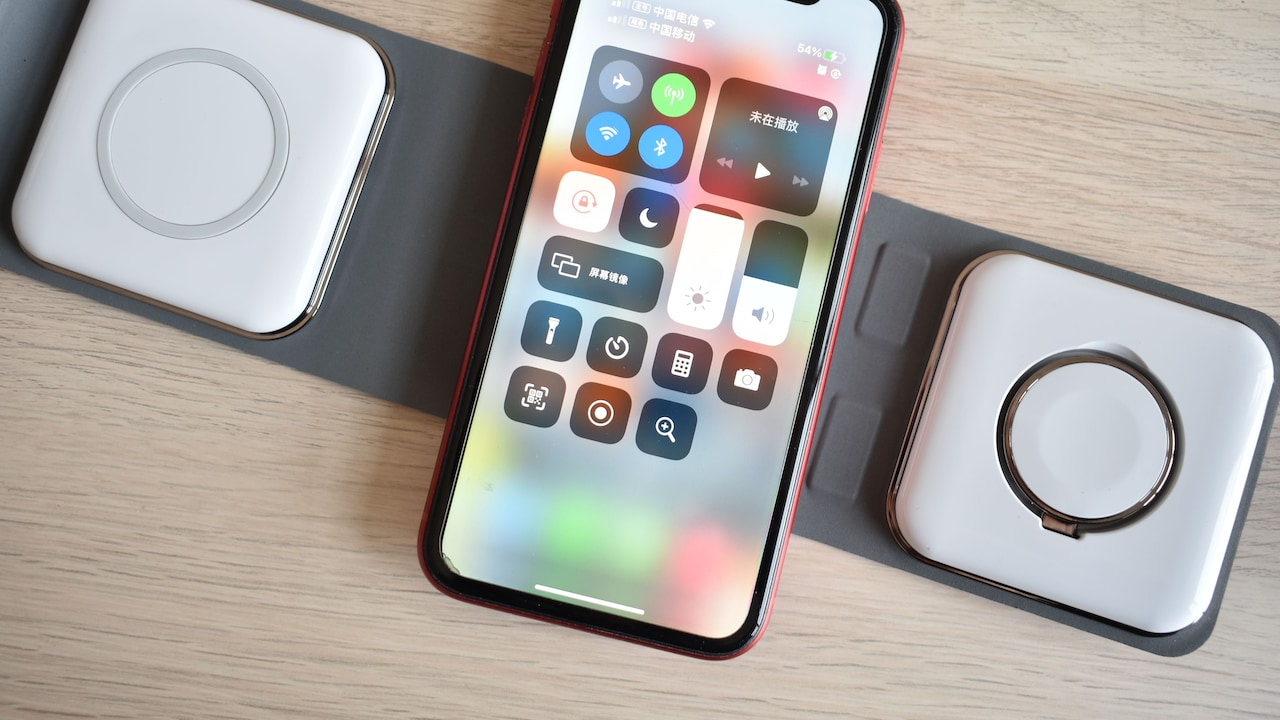
Wireless charging has a certain everyday charm. Drop the phone on a charging pad beside the bed, at the office desk or next to a cup of evening chai, and the battery quietly fills up without hunting for a cable. Then comes the annoying part. The phone grows noticeably warm. The battery percentage barely moves. A message such as “Charging paused” may appear, or the device simply starts charging far more slowly than expected. At first glance, the charger often gets the blame. In reality, heat and wireless charging have a complicated relationship. Wireless chargers transfer energy through electromagnetic induction rather than a direct wired connection. That process naturally produces some heat. Add a thick case, demanding apps, high room temperature or poor alignment, and temperatures can rise quickly. Modern smartphones respond by reducing charging power before excessive heat can damage the battery or other components. Understanding why this happens makes it easier to separate normal thermal protection from an actual charging problem.
10 Reasons Wireless Charging Slows Or Stops When Your Phone Gets Hot; Photo Credit: Pexels
Why Wireless Charging Struggles When Your Phone Heats Up
1. The Phone Deliberately Reduces Charging Power
The most common reason is also the simplest: the phone is protecting itself.
Lithium-ion batteries do not enjoy excessive heat. High temperatures can accelerate chemical ageing inside the battery and reduce its long-term capacity. Smartphone manufacturers therefore build thermal management systems into their devices.
When internal temperature sensors detect too much heat, the charging controller reduces the amount of power entering the battery. Wireless charging may fall from a fast charging rate to something considerably slower. If temperatures continue climbing, charging can stop completely.
That sudden slowdown may feel frustrating when the battery sits at 42 per cent while dinner arrives, but the phone is essentially choosing battery health over speed.
The behaviour becomes particularly noticeable during fast wireless charging because higher charging power usually generates more heat.
Once the device cools, charging returns to normal, commonly without any intervention.
Think of it as the electronic equivalent of easing off the accelerator when an engine runs too hot. Slowing down for a while can prevent a far more expensive problem later.
Also Read: Top 5 Fast Wireless Chargers For Overnight Charging Under ₹2,000
2. Wireless Charging Naturally Creates Extra Heat
Wireless charging is convenient, but it is not perfectly efficient.
A cable delivers electrical energy directly into the phone. A wireless charger must first create an electromagnetic field, which the receiving coil inside the phone converts back into electrical energy.
Some energy gets lost during that journey, and much of that lost energy becomes heat.
Even during completely normal operation, both the charging pad and the phone may feel warm. Fast wireless charging increases the amount of energy moving through the system, so the heat can become more noticeable.
This explains why a phone might remain comparatively cool while charging through a cable but warm significantly on a wireless pad.
The difference does not automatically mean something is wrong.
Problems begin when ordinary charging heat combines with other factors. A warm room, gaming session, thick case or poorly aligned charging coil can push temperatures beyond the phone's preferred range.
At that point, the charging system reduces power.
Wireless charging therefore has a built-in balancing act: transfer energy quickly enough to be useful while preventing too much of that energy from turning into unwanted heat.
3. Poor Coil Alignment Wastes Energy
Placement matters more than many people realise.
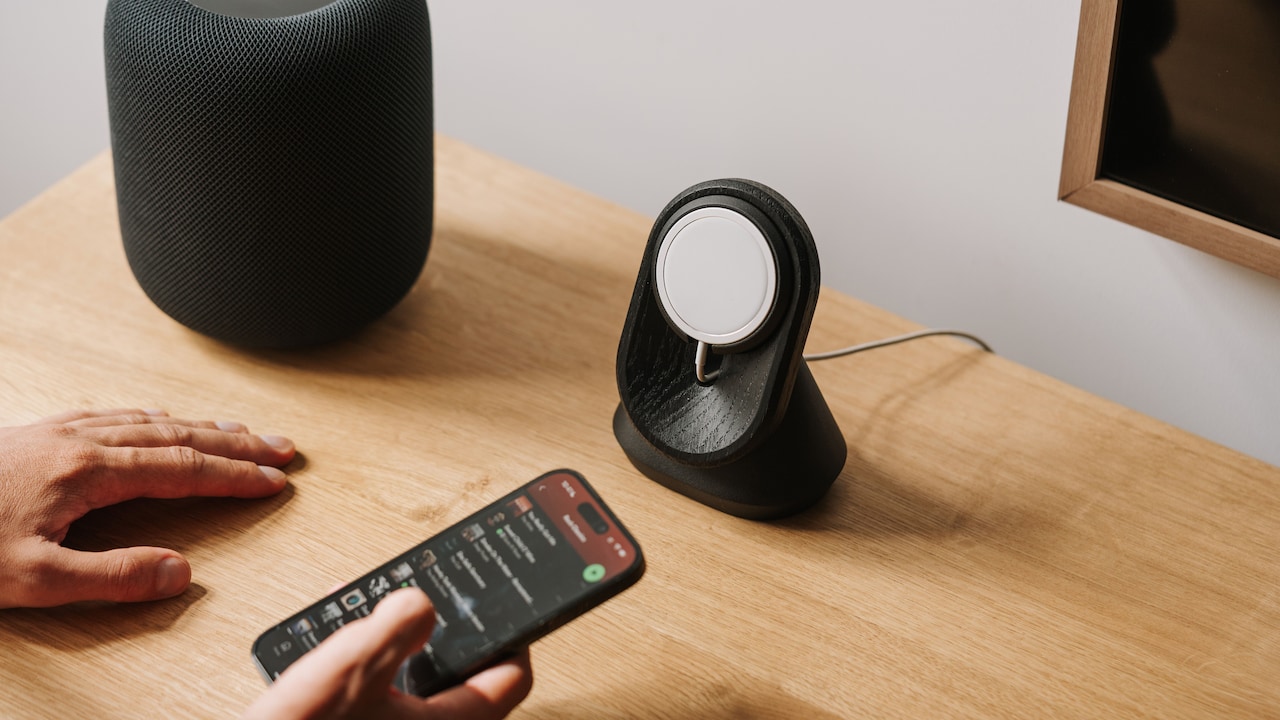
Inside the wireless charging pad sits a transmitting coil. Another coil sits inside the phone. For efficient charging, these two components need to line up reasonably well.
Move the phone too far towards one edge of the pad and energy transfer becomes less efficient. The charger may still work, but more energy gets wasted as heat instead of reaching the battery.
That extra heat can trigger thermal protection.
This is one reason a phone may charge perfectly when placed carefully in the centre but slow down after being casually dropped onto the pad at an angle.
It becomes even trickier with large camera bumps. Certain phones cannot sit completely flat on some charging surfaces, which may slightly increase the distance between the two coils.
Magnetic charging systems help by guiding compatible devices into the correct position, but traditional Qi pads often require a little more attention.
Before blaming the charger, reposition the phone. Sometimes shifting it by barely a centimetre makes a surprising difference.
Wireless charging may look effortless, but underneath that polished glass sits a tiny alignment puzzle.
10 Reasons Wireless Charging Slows Or Stops When Your Phone Gets Hot; Photo Credit: Pexels
4. A Thick Phone Case Traps Heat
Phone cases save devices from cracked corners, scratches and the occasional dramatic fall from a sofa. Unfortunately, some cases make wireless charging considerably warmer.
A thick case increases the distance between the charging coil and the charger. The system may need to work harder to transfer energy efficiently.
Cases made from particularly dense materials can create additional problems.
Heat also struggles to escape when the phone is wrapped inside layers of rubber, leather or heavy plastic. The device effectively sits under a tiny blanket while charging.
During cooler conditions, this may not matter much. In a warm bedroom or parked car, however, the trapped heat can quickly trigger charging restrictions.
Removing the case for a few minutes can reveal whether it is contributing to the problem.
This does not mean everyone needs to abandon protective cases. Plenty of slim wireless-charging-compatible cases work perfectly well.
The trouble usually appears with unusually thick covers, cases containing metal components or accessories attached to the back.
That rugged ₹1,500 case may protect the phone beautifully, but during wireless charging it can occasionally behave more like a winter jacket in May.
5. Using The Phone While Charging Raises Temperature
Wireless charging and heavy phone use are not always happy partners.
Activities such as gaming, video recording, navigation and video calling demand significant processing power. The processor and graphics hardware generate heat while doing that work.
Now add wireless charging, which creates additional heat of its own.
The result can be enough to make the phone reduce charging speed.
Imagine playing a graphics-heavy game while the device rests on a charging stand. The charger is putting energy into the phone at the same time the processor is consuming large amounts of energy. Instead of cooling down, the device may become steadily warmer.
The same situation can occur while following navigation in a car. Brightness sits near maximum, GPS remains active, mobile data works continuously and the phone may be exposed to sunlight.
At some point, charging becomes less important than cooling.
For faster wireless charging, leaving the screen off for a while often helps. Even ordinary tasks such as scrolling social media continuously can keep temperatures higher than necessary.
Sometimes the quickest way to charge a phone is simply to stop asking it to do five other jobs at once.
6. Hot Weather Makes Cooling Much Harder
Ambient temperature plays a major role in wireless charging performance.
A smartphone does not have the cooling systems found inside larger electronics. It mainly relies on transferring heat through its body into the surrounding air.
When that surrounding air is already hot, cooling becomes much less effective.
This becomes particularly obvious during warmer months. A phone sitting near a sunny window or inside a parked car can already be hot before charging even begins.
Place it on a wireless charger and temperatures may rise almost immediately.
Air-conditioned rooms usually create fewer problems because the phone can release heat more easily.
Direct sunlight is even worse. Sunlight can heat the phone faster than many people expect, especially devices with dark finishes or cases.
Charging near a car windscreen at 2 pm can therefore become a perfect recipe for thermal throttling.
Moving the charger away from sunlight or onto a cooler surface may solve the issue without changing any settings.
Wireless charging works best when the phone has somewhere for its heat to go. In a hot environment, that escape route becomes far narrower.
7. Fast Wireless Charging Produces More Thermal Stress
Not every wireless charging mode sends the same amount of power.
Basic wireless charging may operate at relatively modest wattage, while newer devices can support considerably faster wireless charging with compatible accessories.
More power can shorten charging time, but it also increases thermal pressure.
The charger, receiving coil, charging circuitry and battery all handle more energy. Even with clever efficiency improvements, some of that energy turns into heat.
Phones usually monitor temperature continuously during fast charging. If the temperature crosses certain limits, the device steps down to a lower charging rate.
That is why a charger advertised with an impressive maximum wattage does not necessarily maintain that speed from zero to 100 per cent.
Maximum charging figures describe ideal conditions.
Real-world charging constantly changes depending on battery percentage, temperature and device activity.
A premium wireless charger costing ₹4,000 may technically support high-speed charging, yet the phone can still reduce power after becoming hot.
The charger has not forgotten its specification. The phone has simply decided that cooling matters more than finishing the charging race a few minutes earlier.
10 Reasons Wireless Charging Slows Or Stops When Your Phone Gets Hot; Photo Credit: Pexels
8. The Battery Gets Warmer At Higher Charge Levels
Charging behaviour changes as the battery fills.
Lithium-ion batteries cannot accept maximum power continuously from empty to full. Charging systems usually deliver higher power during certain parts of the cycle, then gradually reduce it as the battery approaches full capacity.
Temperature influences that process.
A phone that already feels warm at 70 or 80 per cent may reduce wireless charging speed more aggressively than it would at a lower battery level.
This sometimes creates the impression that wireless charging suddenly becomes “bad” near the top of the battery meter.
In reality, the charging controller is managing several limits at once.
Battery protection features can add another layer. Some phones intentionally pause charging around 80 per cent under certain conditions to reduce battery wear, especially when the device expects to remain connected for several hours.
Heat can make these safeguards even stricter.
So, when a phone crawls from 90 to 100 per cent on a warm charging pad, patience may be more useful than troubleshooting.
Charging the final stretch slowly is not necessarily a flaw. It often reflects careful battery management designed to preserve capacity over years rather than minutes.
9. Background Apps Can Keep The Processor Busy
A phone can appear idle while plenty of activity continues behind the screen.
Cloud backups, app updates, photo syncing, file downloads, software installation and background location services all require processing power.
That processing creates heat.
A common example occurs after installing a major software update. The phone may spend hours indexing files, optimising apps and reorganising data in the background.
Place it on a wireless charger during that period and the device can become warmer than usual.
The charger gets blamed because that is where the heat becomes noticeable, even though background activity helped create the problem.
The same thing can happen after returning from a holiday with hundreds of photos. Cloud services may immediately begin uploading everything while the phone charges overnight.
Checking battery usage can sometimes reveal an unusually active application.
Restarting the phone may also help when a misbehaving app keeps the processor unnecessarily busy.
Wireless charging works best when the phone can remain relatively relaxed. If dozens of unseen digital chores are happening at once, thermal protection may quietly slow the charging process until things settle down.
10. The Charger Or Power Adapter May Be The Wrong Match
Sometimes the phone is hot because the charging setup itself is inefficient.
Wireless charging involves more than the pad. The wall adapter, cable, charging protocol and phone all need to work together properly.
A charger designed for one fast-charging standard may fall back to a less efficient mode with another device.
Poor-quality adapters can also deliver unstable power or generate excessive heat.
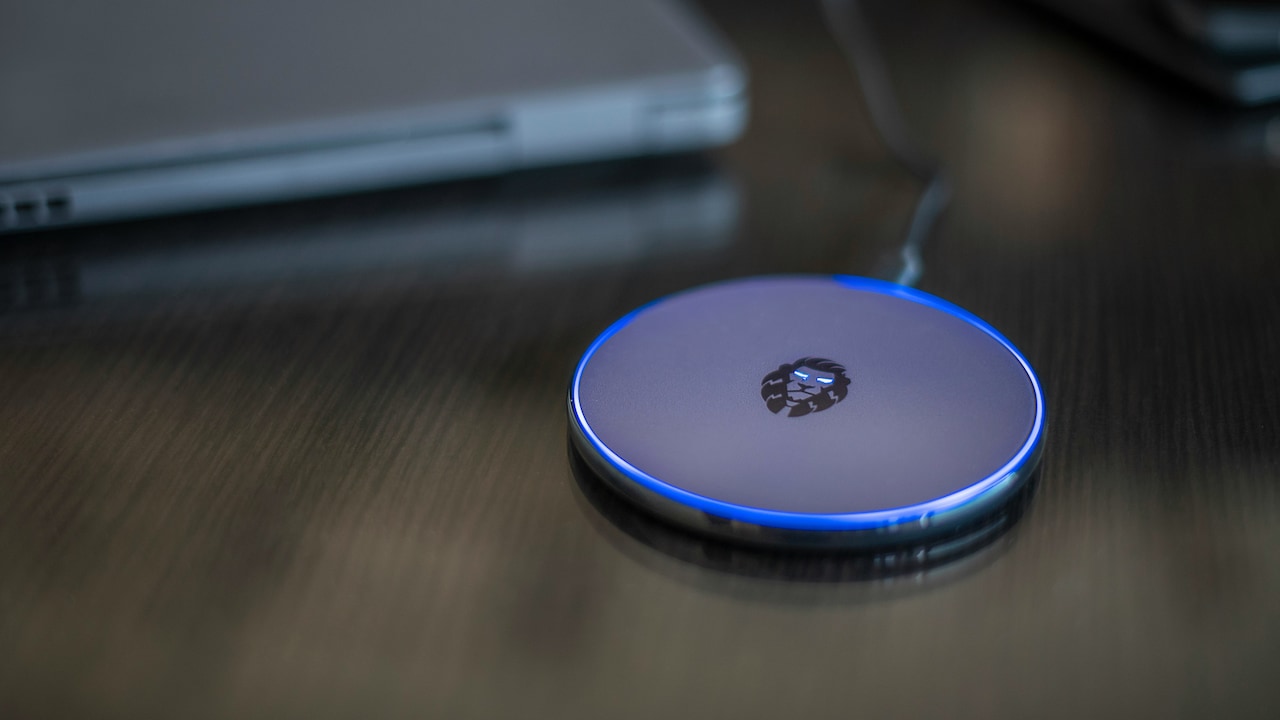
Cheap wireless chargers are especially unpredictable. Some may lack effective temperature management, accurate coil positioning or reliable power control.
That does not mean an expensive charger automatically guarantees better results, but reputable certified accessories usually offer stronger safety protections.
The power adapter matters too. Connecting a fast wireless pad to an underpowered adapter may prevent the charger from operating as intended.
If overheating becomes frequent, testing another compatible adapter or certified wireless charger can help isolate the cause.
Also inspect the cable connecting the charger to the adapter. A damaged or low-quality cable can create additional resistance and heat.
Wireless charging may look like a one-device system, but several pieces are working together. One weak link can make the entire setup run hotter and slower.
Products Related To This Article
1. Ambrane Magsafe Wireless 10000Mah Fast Charging Power Bank
2. eller santé® Wireless Charger 3-in-1 23W Magnetic Mag-Safe
3. Ambrane 25W Qi2.2 Magsafe Wireless Charger with Stand
4. Kratos Magsafe Wireless Power Bank 10000mAh, 22.5W Fast Charging with 15W Wireless Output
5. GM G+ iSmart Qi2 3-in-1 Cube Wireless Charger
6. Spigen 15W Non-MagSafe Wireless Charger with C to C Cable
7. Portronics Freedom Fold 15W Foldable Wireless Charger with Premium PU Leather
Wireless charging slowing down when a phone gets hot usually signals that the device's safety systems are working exactly as intended.
Heat can come from the charging process itself, poor alignment, thick cases, demanding apps, warm surroundings or an unsuitable charger. Fast charging and higher battery levels can make thermal limits even more noticeable.
A few simple changes often help. Keep the phone away from direct sunlight, centre it properly on the charger, avoid demanding tasks while charging and remove unusually thick cases when necessary. Using a reliable charger and compatible power adapter also reduces unnecessary heat.
Most importantly, do not treat every slowdown as a defect. Smartphones constantly balance charging speed against battery health. When temperatures rise, they often choose the slower and safer route.
That can feel inconvenient when heading out and the battery still shows 58 per cent, but preserving a battery worth thousands of rupees is usually better than winning a ten-minute charging sprint.
Wireless charging works best when convenience and temperature stay in balance. Keep the phone cool, and the charging pad is far more likely to keep doing its quiet little job without drama.
(Disclaimer: This article may include references to or features of products and services made available through affiliate marketing campaigns. NDTV Convergence Limited (“NDTV”) strives to maintain editorial independence while participating in such campaigns. NDTV does not assume responsibility for the performance or claims of any featured products or services.)