Top 7 Wi-Fi Extenders For Bedrooms And Hard-To-Reach Corners
Struggling with weak Wi-Fi in bedrooms or distant corners? These seven Wi-Fi extenders can help improve coverage, support more devices and bring a steadier connection to spots your router struggles to reach.
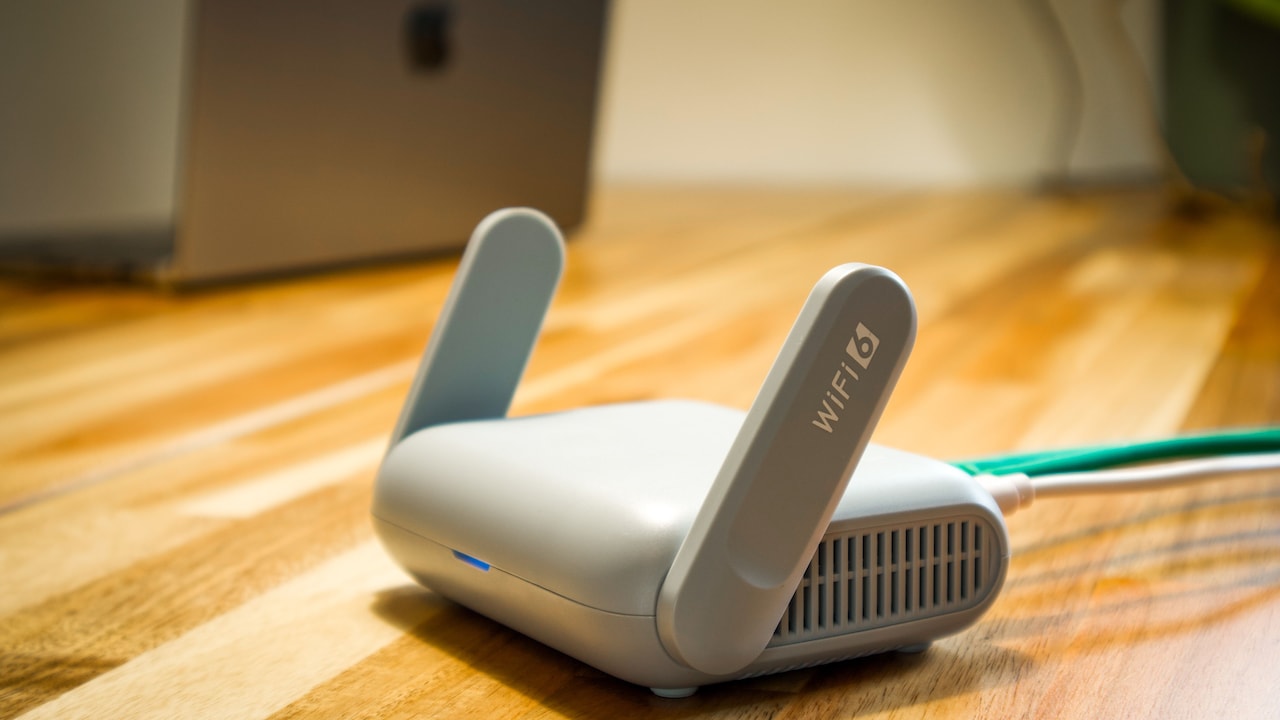
7 Wi-Fi Extenders For Bedrooms And Hard-To-Reach Corners
Wi-Fi dead zones have an odd habit of appearing exactly where we need the internet most. The router may sit happily near the television, while the bedroom at the other end of the house struggles to load a video call. Add thick walls, closed doors, furniture and several connected devices, and even a decent broadband connection can feel unreliable. That's where a Wi-Fi range extender earns its place. Instead of replacing the existing router, it picks up the available wireless signal and pushes coverage towards weaker spots. For households juggling phones, laptops, smart TVs, cameras and speakers, that small plug-in device can make a noticeable difference.
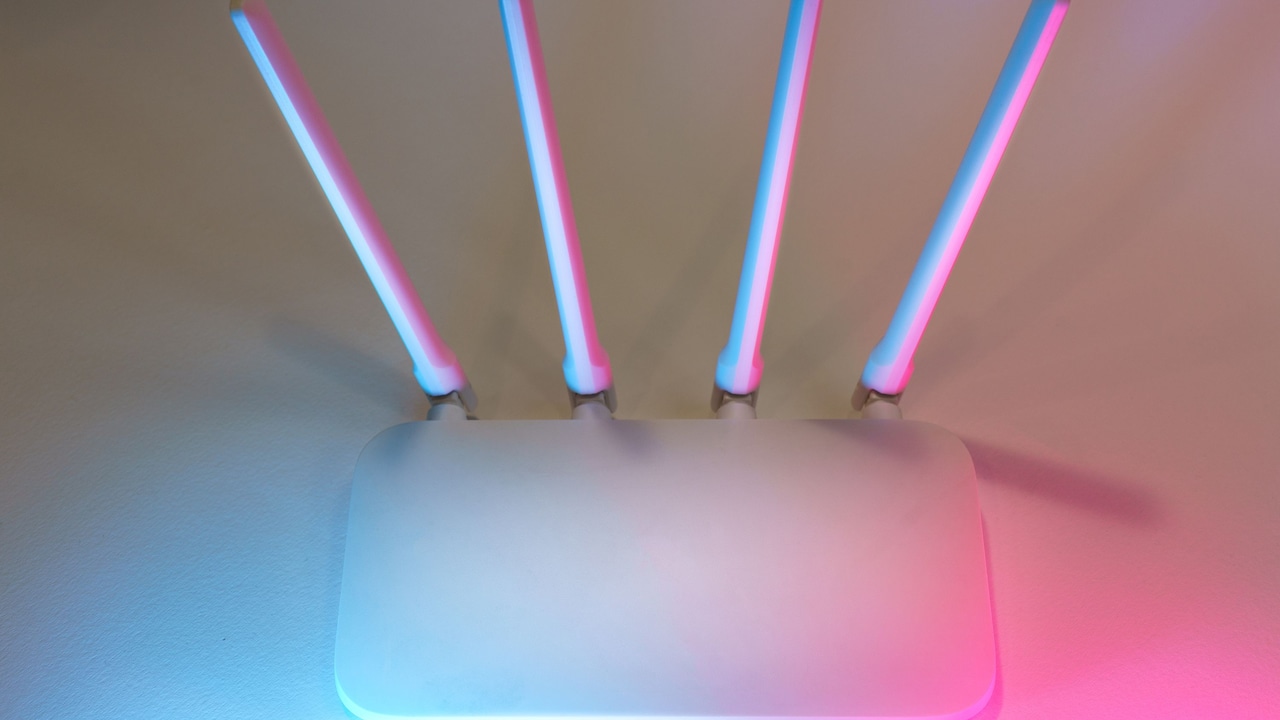
7 Wi-Fi Extenders For Bedrooms And Hard-To-Reach Corners
Photo Credit: Pexels
What To Consider Before Choosing A Wi-Fi Extender
A Wi-Fi extender works best when placed between the router and the weak-signal area, rather than inside the dead zone itself. Look at band support, claimed speed, Ethernet connectivity, device capacity and setup options. Dual-band models generally suit streaming and heavier use better, while 2.4GHz single-band extenders can work well for browsing, basic video calls and smart devices over longer distances.
Also Read: Top 5 Wifi Routers For Strong Signal Coverage In Indian Homes Under ₹2,500
Top 7 Wi-Fi Extenders For Hard-To-Reach Areas
1. Trenzu Single Band WiFi Range Extender
This compact Wi-Fi signal booster runs on the 2.4GHz band and offers speeds of up to 300Mbps. It can extend coverage by up to 10 metres and support as many as 10 connected devices. Two LAN ports add flexibility for wired equipment, while router, repeater, WISP, client and access point modes suit different network setups. There's also WPS support for quicker pairing and WPA/WPA2 security for safer everyday use.
2. TP-Link RE305 AC1200 WiFi Range Extender
The TP-Link RE305 brings dual-band connectivity with combined speeds of up to 1.2Gbps, split between 2.4GHz and 5GHz bands. That makes it a sensible option for bedrooms where streaming, work calls and multiple gadgets compete for bandwidth. Its intelligent signal light helps users find a suitable installation spot. It also supports access point mode and works with compatible TP-Link OneMesh routers for smoother whole-home coverage.
3. Trenzu Single Band WiFi Range Extender
For lighter internet requirements, this 300Mbps extender keeps things relatively straightforward. Its 2.4GHz connection can reach farther than higher-frequency bands in many layouts, which may help in rooms separated from the router by several walls. The unit supports up to 10 devices and offers two LAN ports. A built-in power adapter keeps the setup tidy, while plug-and-play installation and one-touch WPS pairing should appeal to users who don't want a complicated network configuration.
4. TP-Link RE200 AC750 WiFi Range Extender
The RE200 is a compact dual-band Wi-Fi extender designed for areas that receive an inconsistent router signal. It supports speeds of up to 750Mbps across compatible wireless standards and works with phones, laptops, smart-home equipment and other Wi-Fi devices. Its wall-mounted format makes it easy to reposition if the first socket doesn't deliver strong enough results. An Ethernet port can also connect wired devices such as televisions or desktop computers.
5. PunnkFunnk WiFi Range Extender
PunnkFunnk's range extender targets smaller rooms and troublesome corners with speeds of up to 300Mbps and coverage claims of around 10 metres. It can support up to 10 devices, making it useful for a bedroom filled with phones, tablets, laptops and smart gadgets. Users can choose repeater or access point operation, while two LAN ports provide added versatility. Setup can take place through WPS or a browser interface.
6. Trenzu Dual Band 1200Mbps WiFi Range Extender
This more powerful Trenzu option combines dual-band Wi-Fi with four external antennas designed to strengthen coverage across larger spaces. It supports 2.4GHz and 5GHz connectivity and includes repeater and access point modes. An Ethernet port can provide a stable wired connection for a smart TV, computer, printer or gaming console. The extender also supports WPS setup and WPA/WPA2 security. Buyers should note the stated compatibility limitations with some fixed wireless broadband services.
7. TGDLLF WiFi Range Extender
The TGDLLF model focuses heavily on wide coverage and multi-device households. It claims coverage of up to 5,000 sq ft and support for dozens of connected devices, which could suit homes packed with smart accessories. It operates at up to 300Mbps on 2.4GHz and includes an Ethernet port for wired connectivity. Repeater and access point modes give users a choice of setup, while WPS and browser-based configuration make installation more approachable.
Which Wi-Fi Extender Makes Sense For Your Room?
There's no need to chase the biggest specification simply because it looks impressive on paper. A small bedroom used mainly for browsing may work perfectly well with a 300Mbps single-band extender. For streaming, gaming, work calls or several simultaneous users, a dual-band Wi-Fi extender such as the TP-Link RE305 or Trenzu 1200Mbps model offers more breathing room.
Placement matters just as much as hardware. Plug the extender into a socket where the router signal remains reasonably strong, then use it to carry that connection towards the troublesome room. Hiding it behind a cupboard or placing it at the farthest possible corner can limit the improvement.
A reliable Wi-Fi extender can make those irritating weak-signal corners far more usable without forcing a complete network overhaul. The best choice depends on room size, connected devices and how heavily the connection gets used. Check compatibility with your existing router, choose the right band and place the extender carefully. Sometimes, one well-positioned plug is all a stubborn bedroom needs. Shop now on Amazon.
(Disclaimer: This article may include references to or features of products and services made available through affiliate marketing campaigns. NDTV Convergence Limited (“NDTV”) strives to maintain editorial independence while participating in such campaigns. NDTV does not assume responsibility for the performance or claims of any featured products or services.)